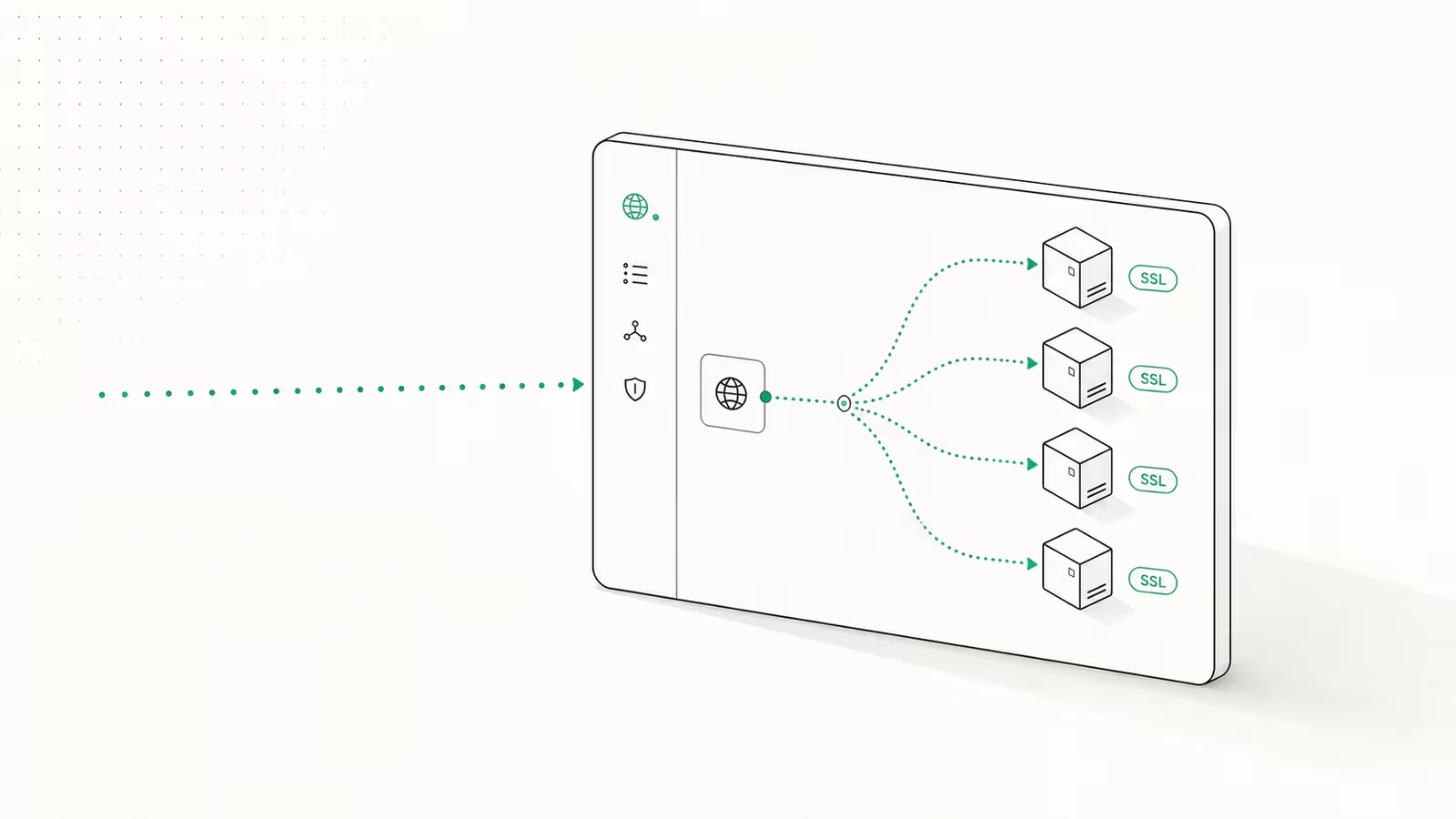
To self-host Supabase on a VPS, you clone the official Docker stack, change every default secret, start the containers, and put the whole thing behind a reverse proxy with HTTPS. The boot part takes about 15 minutes. The part the listicles skip — backups, security hardening, and the features you quietly lose versus the cloud — is the part that actually decides whether you should do this at all. This guide walks the full path and is honest about the trade-offs.
Supabase is open source, so the same Postgres, Auth, Storage, Realtime, and Studio you get on supabase.com can run on a $20 VPS you control. We run our own Postgres at TechRiseUps, so the bias here is toward owning your stack — but self-hosting is a real trade, not a free lunch, and the rest of this piece treats it that way.
What you get, and what you give up
The self-hosted stack mirrors a single cloud project, but several platform-only features simply do not exist in the box.
| Self-hosted Supabase | Supabase Cloud | |
|---|---|---|
| Core (Postgres, Auth, Storage, Realtime, Studio) | Yes | Yes |
| Managed backups + point-in-time recovery | You build it | Built in |
| Multiple projects / orgs in Studio | No (single project) | Yes |
| Branching, advanced metrics, ETL, vector buckets | No | Yes |
| Updates | Manual, sometimes lag latest | Automatic |
| Support | Community only | Paid plans |
| Data residency / full control | Total | Vendor-controlled |
Per Supabase's self-hosting docs, platform features like branching, managed backups, PITR, analytics buckets, and the management API are unavailable when you self-host. You get everything needed to run an app — you do not get the managed safety net. If that safety net is why you used Supabase in the first place, read the cost section at the end before you commit.
Step 0: size the VPS correctly
The single most common self-hosting mistake is under-provisioning. The Supabase stack runs roughly 12–15 containers and sits at 3–4 GB of RAM at idle, before a single user connects.
- 4 GB RAM is the absolute floor — fine for development or a hobby project that will tip over under load.
- 8 GB RAM is the realistic starting point for anything you'd call production.
- 2 vCPU minimum; 4 if Realtime or Edge Functions see traffic.
- Fast NVMe storage — Postgres is I/O sensitive, and so is restoring a backup at 2 a.m.
If you want to keep a tiny box, you can drop services you don't use (Realtime, Storage, imgproxy, Edge Runtime) from the compose file and claw back a gigabyte or two. For picking the underlying machine, our best VPS hosting in 2026 ranking compares real price-to-performance — and watch the spec sheet, because VPS RAM pricing has been climbing all year.
Step 1: install Docker and pull the stack
On a fresh Ubuntu VPS, install Docker Engine and the Compose plugin, then grab the official stack with a shallow clone (you don't need the whole repo history):
git clone --depth 1 https://github.com/supabase/supabase
mkdir supabase-project
cp -rf supabase/docker/* supabase-project
cp supabase/docker/.env.example supabase-project/.env
cd supabase-project
docker compose pull
This gives you a .env file that controls the entire deployment and the Compose definition for Postgres, GoTrue (Auth), PostgREST, Realtime, Storage, the Kong API gateway, and Studio.
Step 2: change the secrets that matter (do not skip this)
This is the step that turns a self-host into a breach. The official Docker guide is blunt: "never start your self-hosted Supabase using these defaults." Before you boot anything, edit .env and regenerate:
POSTGRES_PASSWORD— your database superuser password. Use letters and numbers only to dodge URL-encoding bugs.JWT_SECRETplus a freshANON_KEYandSERVICE_ROLE_KEY— these sign and authorize every API token. Generate them with the bundledutils/generate-keys.shhelper; do not reuse the example values, which are public on GitHub.DASHBOARD_USERNAMEandDASHBOARD_PASSWORD— the basic-auth login on Studio. The password must contain at least one letter.
Why this is non-negotiable: the anon key you embed in client code is only safe because Row-Level Security stands behind it. RLS is opt-in, not default. In 2025, CVE-2025-48757 exposed 170+ Lovable-generated apps precisely because RLS was never switched on, and Supabase's own 2025 security retro stresses that RLS, while powerful, is complex for developers new to the pattern and that application-level security stays the customer's responsibility. Self-hosting hands you that responsibility directly: ship with default keys or no RLS and you are publishing your database to the internet. Turn RLS on for every table that holds real data.
Step 3: boot it and log in
From the project directory:
sh run.sh start
That wraps docker compose up -d --wait, which brings every container up until it reports healthy. Once they're green, the dashboard is reachable through the Kong API gateway on port 8000:
http://<your-server-ip>:8000
Log in with the dashboard credentials you set. You now have a working Supabase project — but it's speaking plain HTTP on a public port, which is fine for ten minutes and unacceptable for production.
Step 4: HTTPS and a locked-down firewall
Two things make this safe to expose:
- Reverse proxy with TLS. Put Caddy or Nginx in front of port 8000 and terminate HTTPS there. Caddy is the shortcut — point a two-line Caddyfile at your domain and it provisions and renews Let's Encrypt certificates automatically.
- Firewall the rest. Close everything except 80/443 (and your SSH port). Crucially, do not expose Postgres (5432) to the world. The docs warn that exposing Postgres directly "bypasses connection pooling and exposes your database to the network" — keep it bound to localhost or a private network and reach it through the pooler, restricting any external access to trusted IPs only.
If your reason for leaving the cloud was data control, this is also where you decide your egress posture — keeping traffic on one provider is one of the cleaner ways to avoid surprise cloud egress fees.
Step 5: the part the guides skip — backups are now your job
Here is the section most "install Supabase in 15 minutes" posts leave out, and it's the one that matters most. The moment you self-host, you give up managed backups and point-in-time recovery. Nobody is taking a snapshot for you. A self-hosted Supabase with no backup strategy is not a database; it's a future incident.
A minimum viable backup setup looks like this:
- Logical dumps on a schedule. A nightly
pg_dump(orpg_dumpallfor roles too) written to off-box storage — a different provider's object store, not the same VPS. A dump that lives on the dying disk is not a backup. - WAL archiving for point-in-time recovery. If losing a day of data is unacceptable, configure continuous write-ahead-log archiving so you can replay to any moment. This is the self-hosted stand-in for the cloud's PITR slider.
- Test the restore. An untested backup is a guess. Restore into a throwaway container at least once a month and confirm the data is actually there. Most people discover their backups are broken only when they need them.
This is the honest cost of self-hosting: not the setup, which is easy, but the day-2 operations — patching, monitoring, and proving your restores work. None of it is hard. All of it is on you.
Should you self-host at all? A cost reality check
Self-hosting Supabase makes sense when at least one of these is true:
- Data control or compliance forces conversations to stay on infrastructure you own.
- Predictable cost at scale matters — a fixed VPS bill beats usage pricing once you're past the free tier and growing.
- You already operate servers. If running Postgres and a reverse proxy is a Tuesday for you, the overhead is marginal.
It's the wrong call when your team has no on-call appetite, when you genuinely need branching and managed PITR, or when your time is worth more than the $25–50/month a managed plan costs. If you're still weighing the platforms themselves, Neon vs Supabase and our best managed Postgres ranking cover the hosted side. And if your motivation is the broader "own your tools" instinct, it's the same logic behind running a self-hosted AI assistant like OpenClaw.
We self-host Postgres because control is worth the operational tax to us. That math is not universal. Run it for your own team before you copy ours.
FAQ
How much RAM do I need to self-host Supabase? Plan for 8 GB for production. The stack runs a dozen-plus containers and idles around 3–4 GB before any traffic. 4 GB works for development but leaves little headroom.
Is self-hosted Supabase free? The software is free and open source. You pay for the VPS, storage, and the backup infrastructure you set up yourself — typically a fixed monthly server bill rather than usage-based pricing.
What features are missing in self-hosted Supabase? Managed backups and point-in-time recovery, branching, multiple projects in one Studio, advanced analytics, ETL, and the management API. The core database, auth, storage, and realtime are all present.
Is self-hosting Supabase secure? It can be, but security is entirely on you. Change all default secrets, enable Row-Level Security on every table, terminate HTTPS at a reverse proxy, and never expose Postgres directly. Most public Supabase breaches come from missing RLS, not the engine.
How do I update a self-hosted Supabase instance? Pull the latest images from the Supabase repo and recreate the containers, after backing up first. Self-hosted releases can trail the cloud, so read the changelog before upgrading a production box.
Some links may earn us a commission at no extra cost to you.

Waqas Ahmed Waseer
Waqas Ahmed Waseer is a developer and automation builder with 8+ years shipping production systems used by 100k+ people. He builds custom multi-tenant SaaS, AI automation (n8n, LLM workflows, WhatsApp bots) and hosting infrastructure (WHM/cPanel, CloudLinux) — and is the maker of WaSphere, FlowMaticX, and the WaseerHost hosting brand. 100+ projects delivered for SMBs, agencies and funded startups.