A single open-source repo went from roughly 9,000 stars to over 300,000 in a matter of months. That repo is OpenClaw, and by April 2026 it had become the most-starred project in GitHub history. Per its GitHub page, the star count now sits north of 378,000. Numbers like that usually signal either genuine novelty or a hype cycle, so it's worth cutting through the noise: what is OpenClaw, why did it spread so fast, and should you actually run it?
The short version: OpenClaw is a self-hosted AI assistant that lives on your own hardware, plugs into the messaging apps you already use, and can take real actions on your behalf. It is not another chat window. That distinction is exactly why it went viral.
What OpenClaw Actually Is
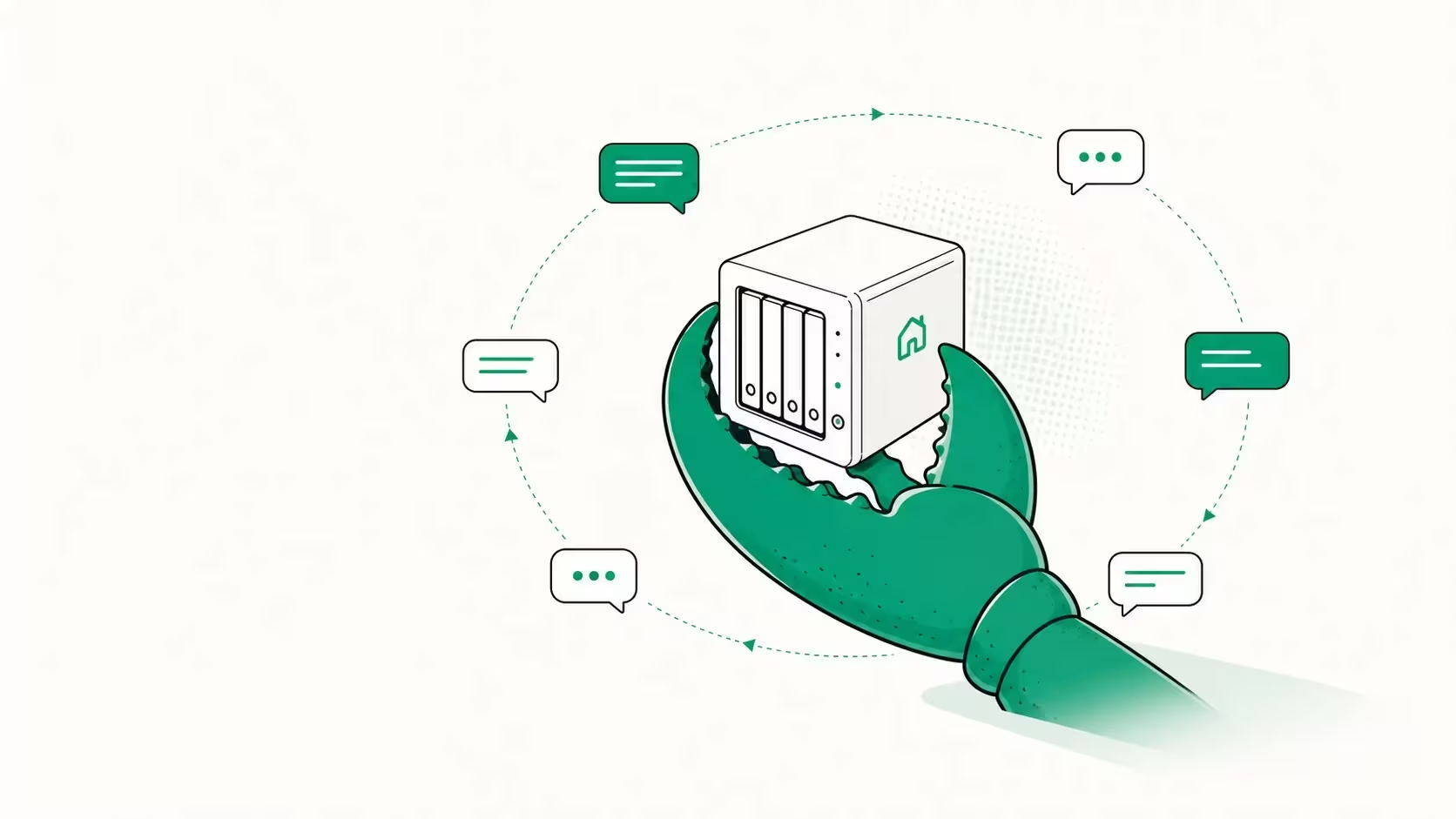
The project describes itself as "your own personal AI assistant. Any OS. Any Platform. The lobster way." Stripped of the mascot branding, OpenClaw is a local-first gateway that sits between large language models and your digital life.
Instead of forcing you into a vendor's web UI, it answers you on channels you already live in. Per the OpenClaw repository, supported channels include WhatsApp, Telegram, Slack, Discord, Signal, iMessage, Microsoft Teams, Matrix, Google Chat, IRC, WeChat, and a couple dozen more. There are companion apps for Windows, macOS, iOS, and Android, plus voice support on macOS, iOS, and Android.
Under the hood it is a Node application (the repo lists Node 24 or Node 22.19+ as a requirement) released under the MIT License. It is model-agnostic: you point it at a provider you trust. OpenAI is explicitly listed as a supported subscription provider, and the docs nudge you toward a current flagship model, but the architecture does not lock you to one vendor.
Why It Went Viral: Local Agentic Execution
Plenty of chatbots exist. What made OpenClaw the fastest-growing project in GitHub history is that it does things rather than just talking.
According to the project's own feature list, OpenClaw can:
- Browse the web, fill out forms, and extract data from arbitrary sites
- Read and write files on the host machine
- Run shell commands and execute scripts, either with full access or sandboxed
- Schedule recurring work via built-in cron, manage sessions, and render a live "Canvas" you control
That combination is what people mean by local agentic execution: an autonomous assistant that acts on your machine, with your data, without round-tripping everything to a third-party cloud. The appetite for that is enormous, which is why a niche repo became a cultural moment in early 2026. NVIDIA even published commentary on what OpenClaw-style agents mean for organizations, a signal that the interest is not purely hobbyist.
Privacy is the real selling point
The headline benefit is control. Because OpenClaw runs on hardware you own, your files, messages, and command history stay on your infrastructure. You decide which model provider sees your prompts, and you can sandbox the parts that scare you. For developers who have spent two years pasting sensitive context into someone else's web form, that is a meaningful shift.
The Security Reality Check
Here is where you should slow down. An assistant that can run shell commands and browse the web on your behalf is, by definition, a powerful attack surface. The same capabilities that make OpenClaw useful make it dangerous if misconfigured.
Think carefully about three things before you give it the keys:
- Prompt injection. If your agent browses the web and reads files, a malicious page or document can attempt to hijack its instructions. Treat any tool with web access plus shell access as exposed by default.
- Blast radius. "Full access in single-user mode" means the agent can do anything you can do on that host. Run it in a sandbox or a dedicated container, not on your primary workstation with your SSH keys lying around.
- Provider trust. Self-hosting the gateway does not mean self-hosting the model. If you wire it to a hosted API, your prompts still leave your machine. Pair it with a local model via something like Ollama if true privacy is the goal.
The project has been shipping more production-grade security features as it matures, but the responsibility for safe deployment lands on you. None of this is a reason to avoid it; it's a reason to deploy it deliberately.
Who Should Actually Run It
OpenClaw is a strong fit if you:
- Already self-host services and are comfortable with Docker, reverse proxies, and least-privilege setups
- Want an assistant wired into Telegram, Slack, or Signal rather than yet another browser tab
- Care about keeping prompts and files off third-party servers
- Enjoy tinkering and can read a config file without flinching
It is probably not the right first step if you want a zero-maintenance consumer product, if you can't dedicate an isolated machine or container, or if you'd grant an autonomous agent shell access without thinking hard about it. The ecosystem is moving fast: there are already community repos with 160+ ready-made agent templates, which is great for momentum but also means churn.
How to Try It Safely
If you want to experiment without exposing yourself:
- Spin it up in a dedicated container or VM, never your daily driver.
- Start with capabilities disabled or sandboxed, then enable shell and file access only as you need them.
- Connect a local model first (via Ollama or similar) so no prompts leave your network during testing.
- Wire up one channel you control, like a private Telegram bot, before adding more.
- Watch the GitHub releases. The project uses a date-based version scheme (vYYYY.M.D) and ships frequently, so pin a version and upgrade intentionally.
The Takeaway
The OpenClaw star explosion is not just hype; it reflects a genuine shift toward self-hosted, agentic AI assistants that act on your behalf while keeping data under your control. The technology is real, the MIT license is friendly, and the momentum is undeniable. But the same powers that made it the most-starred repo on GitHub demand a security-first mindset. Run it sandboxed, give it the least privilege it needs, and decide consciously whether your prompts leave your network. Treated that way, OpenClaw is one of the most interesting things to happen to open-source AI tooling in years.
FAQ
Is OpenClaw free? Yes. It's open source under the MIT License. You pay only for whatever model provider you connect it to (or nothing, if you run a local model).
Does OpenClaw send my data to the cloud? The gateway runs locally, but if you connect it to a hosted model API, your prompts go to that provider. Use a local model for full privacy.
What can OpenClaw do that ChatGPT can't? It can take actions on your own machine, run shell commands, manage files, browse and fill forms, and respond inside the messaging apps you already use, all self-hosted.

Waqas Ahmed Waseer
Waqas Ahmed Waseer is a developer and automation builder with 8+ years shipping production systems used by 100k+ people. He builds custom multi-tenant SaaS, AI automation (n8n, LLM workflows, WhatsApp bots) and hosting infrastructure (WHM/cPanel, CloudLinux) — and is the maker of WaSphere, FlowMaticX, and the WaseerHost hosting brand. 100+ projects delivered for SMBs, agencies and funded startups.