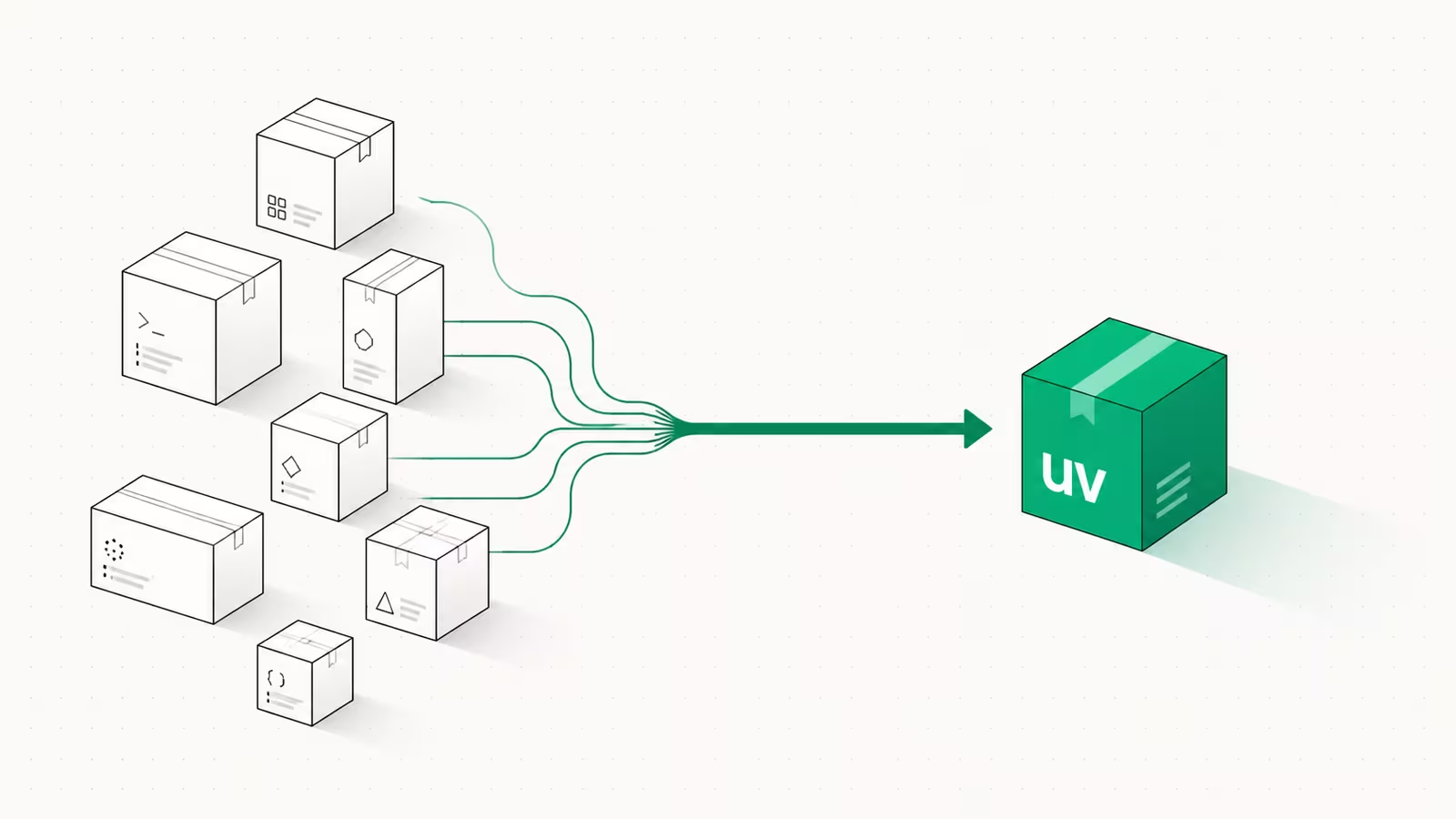
To switch from pip to uv, install the uv binary, then replace your everyday commands one for one: uv venv instead of python -m venv, uv add instead of pip install, and uv run instead of activating a virtualenv by hand. uv is a single Rust-based tool from Astral (the team behind the Ruff linter) that rolls pip, virtualenv, pip-tools, pipx, and pyenv into one command, and Astral's own benchmarks put it at 10-100x faster than pip for installs with a warm cache. This guide covers the exact commands, a full pip-to-uv cheat sheet, how to migrate an existing project, and the cases where you should not switch yet.
What is uv, and why switch from pip?
uv is a Python package and project manager written in Rust that aims to be a single replacement for a stack of older tools. The uv documentation describes it as "a single tool to replace pip, pip-tools, pipx, poetry, pyenv, twine, virtualenv, and more." The pitch is speed and consolidation: instead of remembering which tool creates environments, which locks dependencies, and which manages Python versions, you use uv for all of it, and installs that took tens of seconds with pip often finish in under a second once the cache is warm.
The speed comes from a parallel downloader, a global content-addressed cache that hard-links packages instead of re-downloading them, and a resolver that does the dependency math faster than pip's. For a solo script the difference is nice; for CI pipelines and Docker builds that reinstall dependencies on every run, it compounds into real minutes saved per build. That is why uv went from a 2024 curiosity to, per a 2026 developer write-up, the go-to Python package manager for new projects.
Install uv without breaking your current setup
uv installs as a standalone binary, so it sits alongside your existing Python and pip rather than replacing them. On macOS or Linux:
curl -LsSf https://astral.sh/uv/install.sh | sh
On Windows (PowerShell):
powershell -ExecutionPolicy ByPass -c "irm https://astral.sh/uv/install.ps1 | iex"
You can also get it from Homebrew (brew install uv), pipx, or pip itself. After installing, run uv --version to confirm, and uv self update to upgrade later. Nothing about installing uv touches your system Python, your existing virtualenvs, or your global pip, so you can adopt it project by project and roll back at any time by simply going back to your old commands.
The pip-to-uv command cheat sheet
Most of the migration is muscle memory. This table maps the commands you already know to their uv equivalents:
| Task | pip / legacy tool | uv equivalent |
|---|---|---|
| Create a virtual environment | python -m venv .venv | uv venv |
| Add a dependency to a project | pip install requests | uv add requests |
| Install from a requirements file | pip install -r requirements.txt | uv pip install -r requirements.txt |
| Remove a dependency | pip uninstall requests | uv remove requests |
| Lock exact versions | pip freeze > requirements.txt | uv lock (writes uv.lock) |
| Reproduce the locked environment | pip install -r requirements.txt | uv sync |
| Run a script in the environment | source .venv/bin/activate && python app.py | uv run app.py |
| Install a CLI tool globally | pipx install ruff | uv tool install ruff |
| Run a tool once, no install | pipx run black . | uvx black . |
| Install a Python version | pyenv install 3.12 | uv python install 3.12 |
| Pin the project's Python version | pyenv local 3.12 | uv python pin 3.12 |
The one habit worth dropping is manual activation. uv run resolves and activates the right environment automatically, so source .venv/bin/activate becomes optional. uv also keeps a pip-compatible interface under uv pip for the cases where you want a near-drop-in replacement without adopting the full project workflow.
Migrate an existing project step by step
For a project that currently uses a requirements.txt, the move takes a few minutes:
- Initialize uv in the project. Run
uv initin the project root. This creates apyproject.toml(the modern standard for declaring dependencies) without overwriting your code. - Import your existing dependencies. Run
uv add -r requirements.txtto read every pinned package from the old file and record it inpyproject.toml, then resolve and install it. - Commit the lockfile. uv writes
uv.lock, a cross-platform lockfile that pins the entire dependency graph. Commit bothpyproject.tomlanduv.lockso teammates and CI install the exact same versions. - Switch your run commands. Replace
python script.pywithuv run script.py, and in CI replace the pip install step withuv sync --frozen(which fails if the lockfile is out of date, catching drift before deploy). - Delete the old files once green. After CI passes on uv, you can remove
requirements.txtand anyrequirements-dev.txt, moving dev tools into a dependency group inpyproject.tomlinstead.
The Astral projects guide documents each of these steps in detail, including how to structure optional and dev dependency groups.
Managing Python versions with uv (goodbye pyenv)
uv can install and switch Python interpreters itself, which is the feature that lets it retire pyenv. uv python install 3.12 downloads a standalone build of CPython 3.12; uv python list shows what is installed and available; and uv python pin 3.12 writes a .python-version file so the project always uses that interpreter. According to the Astral Python management guide, uv will even install a required Python version automatically the first time you run a project that needs it, so a new contributor can clone a repo and run uv sync without installing Python separately first. That single behavior removes one of the most common onboarding failures in Python teams.
Running scripts and tools: uv run and uvx
Two commands cover most day-to-day work. uv run executes a command inside the project's environment, creating or updating that environment first if needed, so uv run pytest always runs against the locked dependencies with no activation step. uvx (shorthand for uv tool run) runs a CLI tool in a throwaway environment without installing it into your project, so uvx ruff check . lints your code using Ruff even if Ruff is not a project dependency. For tools you use constantly, uv tool install ruff puts them on your PATH permanently, replacing pipx. uv also supports inline script dependencies, so a single-file script can declare its own requirements in a comment block and run with uv run script.py, with uv building a temporary environment on the fly.
Gotchas and when not to switch yet
uv is fast and stable enough for production, but it is honest about being pre-1.0: as of late August 2026 the latest release is 0.12.5, and the project has not shipped a 1.0. In practice that means occasional breaking changes between minor versions, so pin your uv version in CI (uv publishes a GitHub Action and Docker images for this) rather than always pulling latest. A few other things to weigh before switching:
- Poetry or PDM teams. If your project already uses Poetry with a working
poetry.lock, the payoff is smaller and the migration is more involved than a plainrequirements.txtmove. Switch when the speed matters to you, not reflexively. - conda / scientific stacks. uv targets the PyPI ecosystem. If you depend on conda for compiled scientific packages or non-Python dependencies, uv does not replace conda, and mixing the two needs care.
- Corporate index and mirrors. Point uv at a private index with
UV_INDEX_URLorpyproject.tomlconfig before rolling it out on an internal network, the same way you would configure pip. - Lockfile is not optional. The reproducibility win only lands if you commit
uv.lockand useuv sync --frozenin CI. Skipping that leaves you no better off than loose pip installs.
Adopt it on a new side project first, feel the speed, then bring it to your main repos. If you containerize your builds, pairing uv with a slim base image compounds the win, the same reproducibility logic behind our Podman vs Docker breakdown and worth setting up alongside a clean git worktrees workflow for parallel branches. Teams automating builds headlessly will also want it in any scripted CI or agent pipeline.
FAQ
How do I run a Python file using uv?
Use uv run app.py. uv resolves the project's dependencies, creates or updates the virtual environment if needed, and runs the file inside it, so you never have to activate the environment by hand. For a one-off tool, use uvx <tool> to run it in a temporary environment.
Do I still need to activate my venv with uv?
No. uv run and uv sync operate on the project's .venv automatically. You can still source .venv/bin/activate if you prefer a traditional shell session, and uv venv creates a standard virtualenv that activates the same way, but activation is optional for normal work.
Is uv safe to use in production? uv is widely used in production in 2026 and is backed by Astral, but it is still pre-1.0 (0.12.5 at the time of writing), so pin an exact uv version in CI and read the changelog before upgrading. The Python builds it installs are standalone CPython distributions, not custom forks.
How do I use uv Python in VS Code?
Run uv sync to create the .venv, then in VS Code open the command palette, choose "Python: Select Interpreter," and pick the interpreter inside your project's .venv folder. VS Code then uses uv's environment for running, debugging, and linting.
Sources
- Astral — uv documentation: the "10-100x faster than pip" benchmark and the list of tools uv replaces.
- Astral — Working on projects guide:
uv init,uv add, lockfiles, and dependency groups. - Astral — Installing and managing Python: how uv installs and pins Python versions.
- astral-sh/uv releases (GitHub): current 0.12.x versions and pre-1.0 status.
- Real Python — Managing Python projects with uv: an all-in-one walkthrough of the uv workflow.
- DEV — Why uv became the go-to Python package manager in 2026: adoption context and the speed rationale.
Some links may earn us a commission at no extra cost to you.

Waqas Ahmed Waseer
Waqas Ahmed Waseer is a developer and automation builder with 8+ years shipping production systems used by 100k+ people. He builds custom multi-tenant SaaS, AI automation (n8n, LLM workflows, WhatsApp bots) and hosting infrastructure (WHM/cPanel, CloudLinux) — and is the maker of WaSphere, FlowMaticX, and the WaseerHost hosting brand. 100+ projects delivered for SMBs, agencies and funded startups.