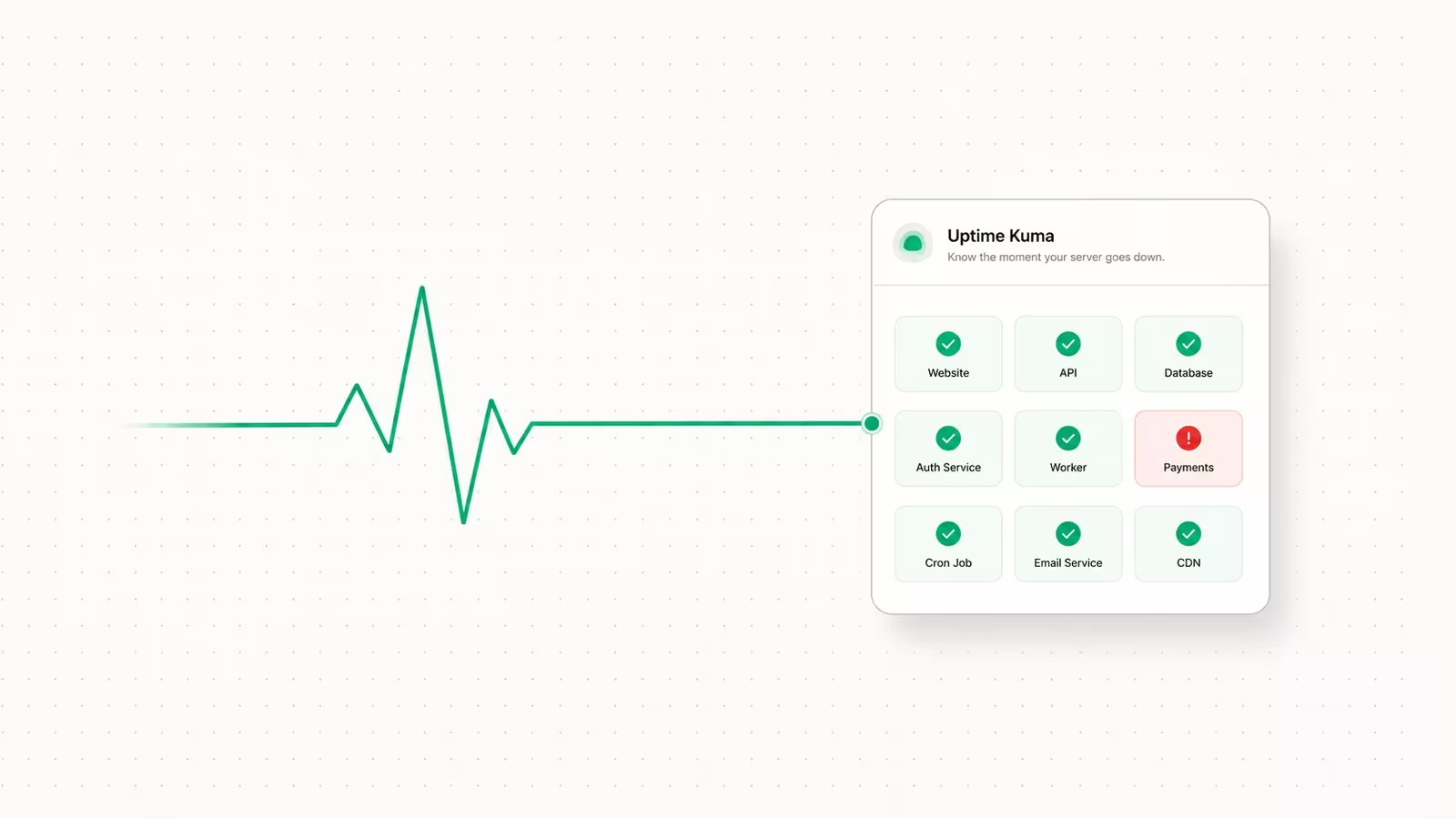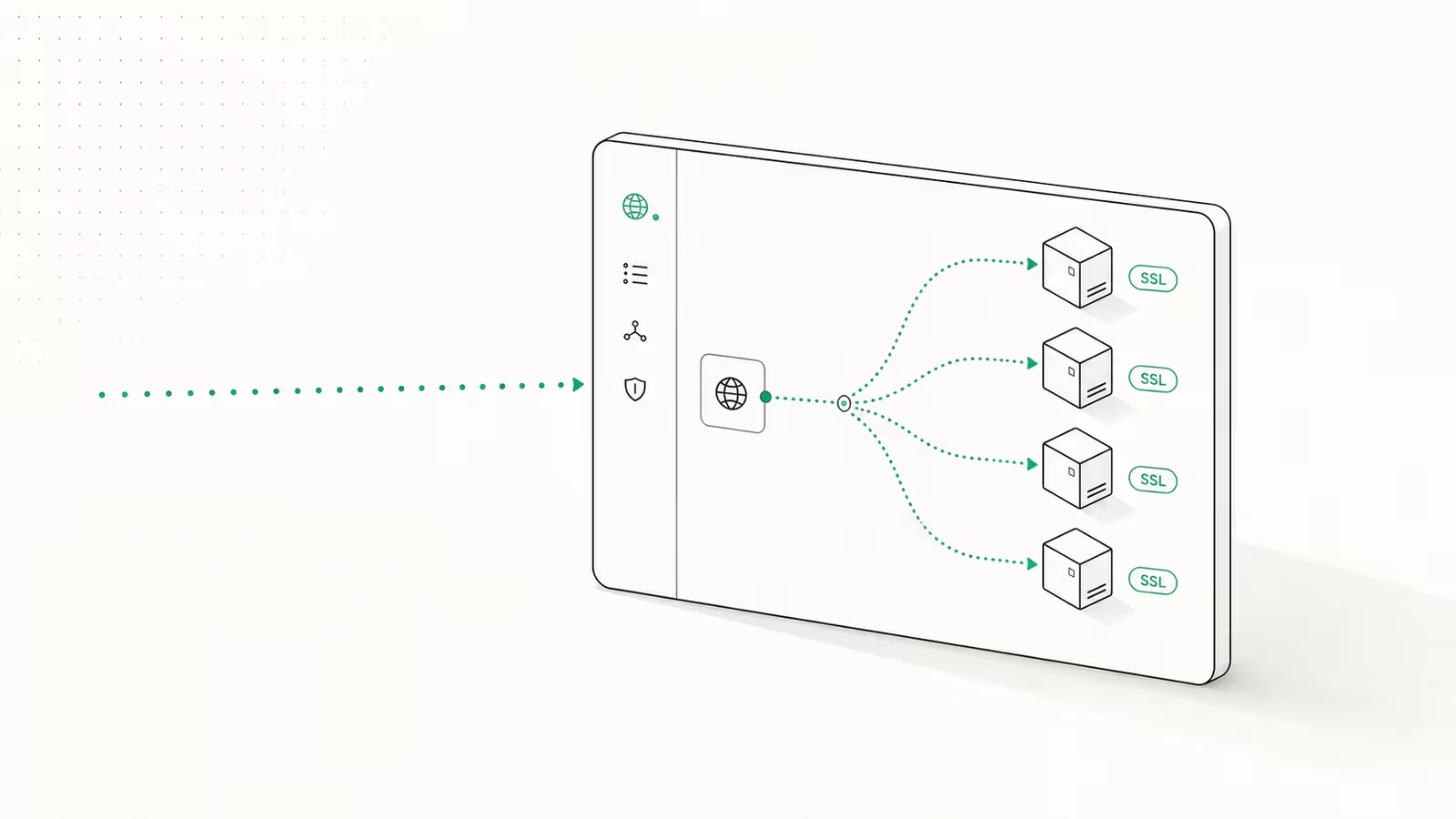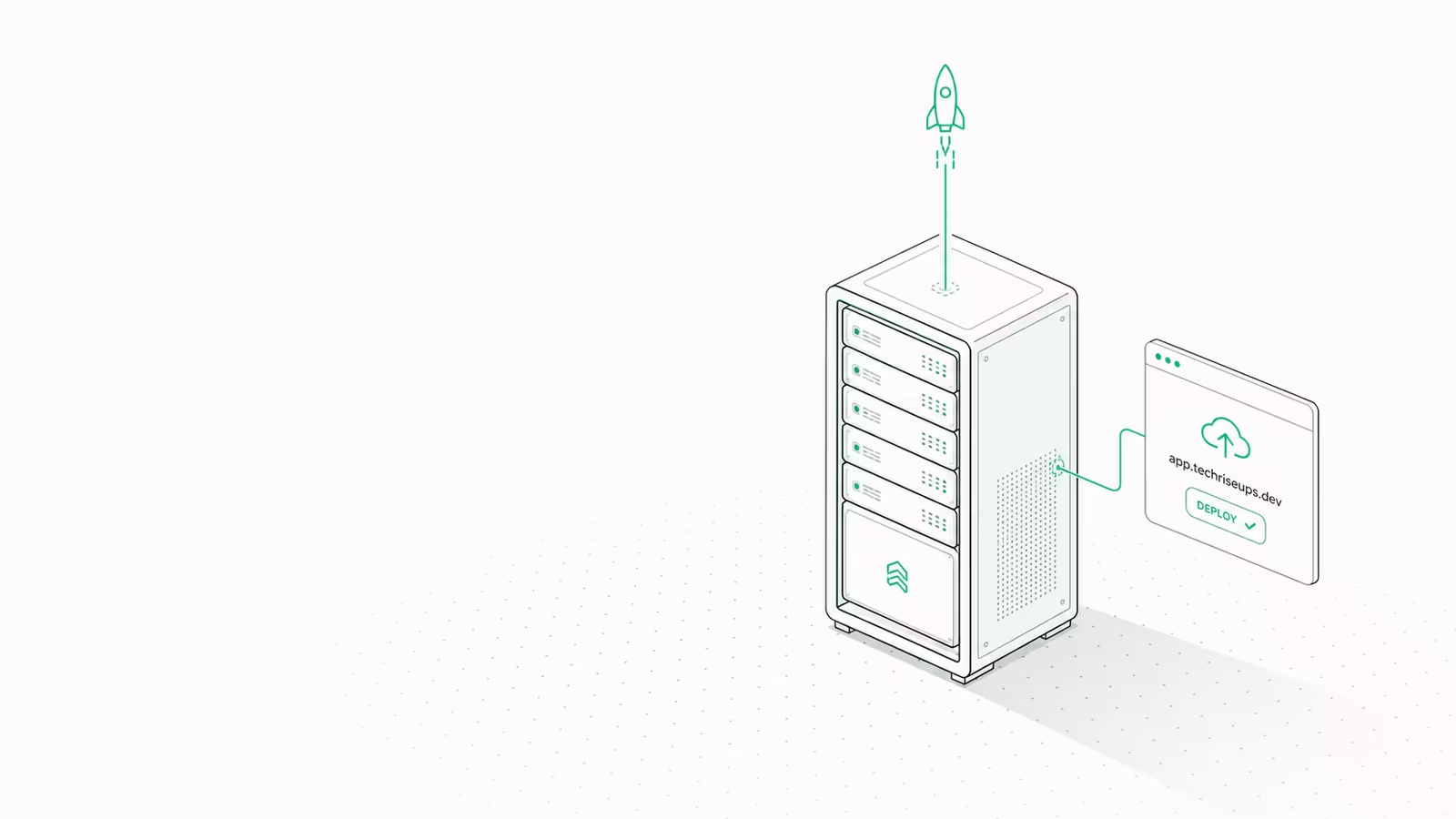
Self-hosting your apps on a VPS in 2026 comes down to four moves: rent a small Linux server, install an open-source PaaS like Coolify or Dokploy to give you a Vercel-style dashboard, connect your Git repo, and point a domain at it. That gets you push-to-deploy, automatic HTTPS, and a database on hardware you control — for the price of the box, usually under $10 a month. This guide walks the whole path, from picking the server to deploying your first app with backups and monitoring, and flags the mistakes that bite people.
The reason to do it now is cost. Managed platforms bill per seat, per function, and per gigabyte of traffic, and those lines add up fast once an app has real users. A single VPS with a control plane on top gives you 80% of the developer experience with a flat, predictable bill.
What do you need to self-host apps on a VPS?
Four things, and none of them are exotic. First, a VPS — a small cloud server with 2 vCPU and 4GB of RAM is the comfortable floor for running a control plane plus a couple of apps and a database. Second, a domain name you can point at the server's IP. Third, SSH access with a key pair, so you never expose a password login. Fourth, an open-source PaaS (Coolify, Dokploy, or CapRover) that turns the raw box into a dashboard: it manages Docker, builds your code, provisions TLS certificates, and handles restarts so you are not writing systemd units by hand.
You do not need Kubernetes, a load balancer, or a DevOps background. The PaaS layer is specifically there to hide that complexity. If you can push to GitHub and edit a DNS record, you have the prerequisites.
Step 1: Pick and provision a VPS
Start with a plan sized for a control plane plus your workload. Coolify's own minimum is 2 CPU cores, 2GB of RAM, and 30GB of disk, but 4GB gives you headroom once apps and a database are running. Budget European providers are the cheapest entry point: Hetzner's CX22 lists at €4.49/month (2 vCPU, 4GB RAM, 40GB disk) and its ARM-based CAX11 at €5.99/month. Note that Hetzner raised its cloud prices in 2026, part of a wider squeeze we broke down in why your VPS bill is rising in 2026.
When you provision the server, choose a current Ubuntu or Debian LTS image, add your SSH public key during creation, and pick a region close to your users to cut latency. For a fuller shortlist of providers ranked on price and performance, see our best VPS hosting in 2026 breakdown.
Step 2: Choose a control plane — Coolify, Dokploy, or CapRover
The control plane is the piece that makes self-hosting feel like Vercel. Three open-source options dominate in 2026, and the right pick depends on how many apps you run and how much you value a light footprint.
| PaaS | License / cost | Idle overhead | Docker Compose | Best for |
|---|---|---|---|---|
| Coolify | Open-source, free self-hosted | ~1GB RAM | Full support | Most people — 280+ one-click services, polished UI |
| Dokploy | Open-source, free | ~350MB RAM | Native support | Lean setups, 2–5 apps, minimal overhead |
| CapRover | Open-source, free | Low | Limited | Simple single-container apps, maximum stability |
Coolify is the default recommendation: its v4.0 release in May 2026 added a redesigned dashboard and 280+ one-click services (databases, n8n, Ghost, Ollama), and it deploys to any server over SSH. Dokploy is the minimalist counterpart — it idles at roughly 350MB of RAM and ships native Docker Compose support, so a multi-service stack deploys from one file. CapRover has been around since 2017 and is rock-solid for single-container apps, but its Compose support is limited and the UI feels dated. For most readers, install Coolify; if you want the leanest possible box, use Dokploy.
Step 3: Install the PaaS and lock down the server
SSH into the fresh server as root, then run the one-line installer. Coolify's script provisions Docker, its own daemon, and the initial config in a few minutes:
curl -fsSL https://cdn.coollabs.io/coolify/install.sh | sudo bash
When it finishes, open http://your-server-ip:8000, create the admin account immediately (the first person to reach that page owns the instance), and enable two-factor auth. Before you expose anything publicly, harden the box: disable password SSH login and keep only key auth, enable a firewall that allows just ports 22, 80, and 443, and keep the system updated. Coolify then handles Let's Encrypt certificates automatically once you attach a domain, so every app gets HTTPS without manual certbot runs. Dokploy and CapRover follow the same shape — a single install script, then a web dashboard on a high port that you secure first. This step is where most self-hosting horror stories start, so do the SSH and firewall lockdown before you deploy a single service.
Step 4: Deploy your first app
In the dashboard, create a project and connect your Git provider (GitHub, GitLab, Gitea, and Bitbucket are all supported). Point it at a repository and the PaaS detects how to build it: it uses Nixpacks or Heroku-style buildpacks to auto-detect Node, Python, Go, or PHP, or it reads your own Dockerfile if you have one. For a multi-service app — a web server plus a worker plus Redis — Dokploy and Coolify let you deploy a full docker-compose.yml as a single unit.
Add your domain in the app settings, create the matching DNS A record pointing at the server IP, and the platform issues the TLS certificate for you. From then on, every git push to the tracked branch triggers a rebuild and redeploy. That push-to-deploy loop is the whole point: you get the Vercel workflow without the Vercel bill, and you can host anything from a web app to privacy-friendly analytics or an internal tool on the same box.
Step 5: Add a database, backups, and monitoring
A deployed app usually needs state. Both Coolify and Dokploy provision PostgreSQL, MySQL, MongoDB, or Redis as one-click services that run in their own containers on the same server, reachable by your app over the internal Docker network — no public port required. Keeping the database on the box (rather than a managed provider) also sidesteps the cross-service data-transfer charges we covered in cloud egress fees.
Backups are non-negotiable when you own the hardware. Configure scheduled database dumps to an S3-compatible bucket — Coolify has this built in — so a corrupted volume or a fat-fingered docker command is a restore, not a disaster. Finally, turn on the built-in resource monitoring (CPU, memory, disk) and set an alert before you run out of RAM; on a 4GB box, an unbounded log file or a memory-leaking app will take the whole server down, and you want warning first.
What does self-hosting on a VPS actually cost?
The pitch is a flat bill. One 4GB VPS at roughly €5–12/month can comfortably run several small apps, a database, and a control plane, and that number does not move when traffic spikes or you add a teammate. Managed platforms flip that model — the base tier is cheap or free, but usage-based line items (bandwidth, function invocations, per-seat pricing) scale with success. For a hobby project the managed free tier wins; for a small product with steady traffic, a single self-hosted VPS is usually cheaper and far more predictable, which is the same math driving the platform comparisons in our Railway vs Render breakdown. The trade-off is honest: you own uptime, patching, and backups. A control plane removes most of that toil, but not the responsibility. (For full disclosure, we run our own hosting service, WaseerHost, so we come at self-hosting as operators, not neutral bystanders.)
FAQ
Is it safe to self-host apps on a VPS? Yes, if you do the basics: key-only SSH, a firewall limited to ports 22/80/443, automatic security updates, and two-factor auth on the control-plane dashboard. The PaaS handles TLS certificates automatically. The real risk is an exposed, unpatched service, so keep the dashboard behind strong auth and update regularly.
How much RAM do I need to self-host on a VPS? Plan for 4GB as a comfortable starting point. Coolify's minimum is 2GB, and Dokploy idles around 350MB, but once you add your apps and a database, 4GB gives breathing room. Scale the server up later — most providers let you resize with a reboot.
Coolify or Dokploy — which should I use? Coolify for most people: it has the largest one-click catalog and the most polished dashboard. Dokploy if you want the lightest footprint and mainly deploy from Docker Compose files. Both are free and open-source, so trying one costs only your time.
Can I self-host without knowing Docker or Linux? Mostly. The PaaS abstracts Docker away — you connect a Git repo and it builds the container for you. You still need to run a few SSH commands to install it and to lock the server down, but you do not need to write Dockerfiles or manage containers by hand.
Do I still need a managed database if I self-host? No, for most small apps. Coolify and Dokploy can run PostgreSQL or MySQL as a one-click service on the same VPS. A managed database earns its cost only when you need automated failover, read replicas, or point-in-time recovery at scale.
Sources
- Coolify — installation requirements and docs: official minimum specs (2 cores, 2GB RAM, 30GB disk), the install command, and free/open-source status.
- Coolify homepage: v4.0 (May 2026) features, 280+ one-click services, and deploy-anywhere-over-SSH capability.
- Dokploy: open-source, free, native Docker Compose support, Nixpacks/buildpack/Dockerfile builds, and multi-server deployment.
- CapRover: the mature (since 2017) single-container-focused PaaS with limited Compose support.
- Hetzner Cloud pricing: CX22 at €4.49/month and CAX11 (ARM) at €5.99/month, current 2026 pricing.
- Hetzner price adjustment (2026): Hetzner's 2026 cloud price increase.
Some links may earn us a commission at no extra cost to you.

Waqas Ahmed Waseer
Waqas Ahmed Waseer is a developer and automation builder with 8+ years shipping production systems used by 100k+ people. He builds custom multi-tenant SaaS, AI automation (n8n, LLM workflows, WhatsApp bots) and hosting infrastructure (WHM/cPanel, CloudLinux) — and is the maker of WaSphere, FlowMaticX, and the WaseerHost hosting brand. 100+ projects delivered for SMBs, agencies and funded startups.