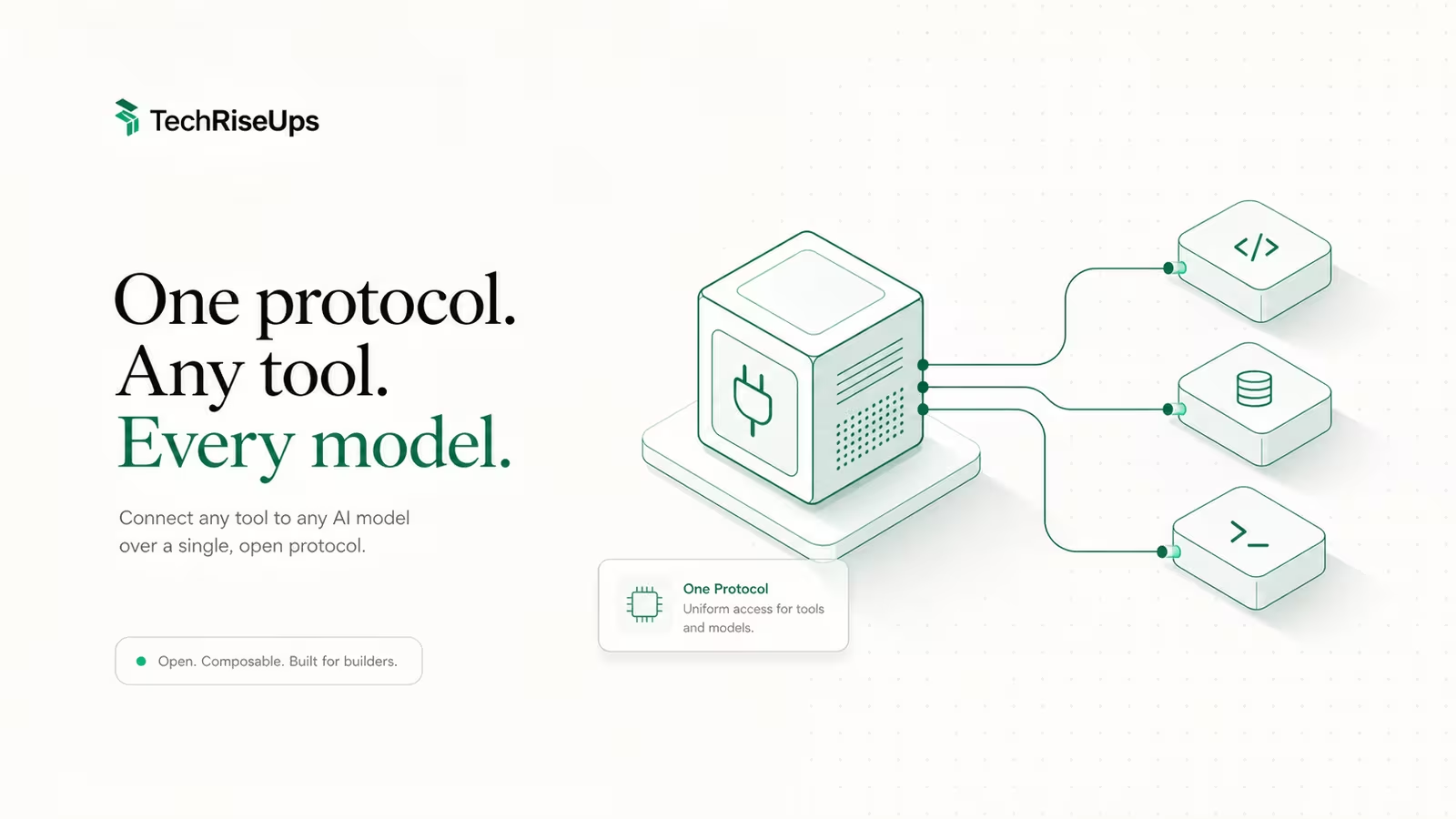
An MCP server is a small program that exposes your tools, data, and prompts to an AI model over the Model Context Protocol, the open standard Anthropic introduced in November 2024 and now supported by Claude, ChatGPT, Cursor, and most agent frameworks. If you know how to build an MCP server, you can plug any API, database, or internal script into an AI agent in well under an hour. This guide walks the whole path: choosing an SDK, defining a tool, picking a transport, testing locally, and wiring it into a real client, plus the security mistakes that get servers owned.
We build TechRiseUps with Claude Code, and this very research run reaches DataForSEO through an MCP server, so the workflow below is the one we actually run, not a whiteboard sketch.
What is an MCP server, and do you need to build one?
An MCP server is a process that speaks one JSON-RPC protocol to any MCP-compatible client (the "host," such as Claude Code or Claude Desktop). It advertises three kinds of capability: tools (functions the model can call, with user approval), resources (read-only data the model can pull in for context), and prompts (reusable templates). The client discovers those over the wire, so one server works across every host without custom glue.
Before you write any code, check whether you even need a custom server. There are thousands of published servers for GitHub, Postgres, Slack, filesystems, and more; if one exists for your system, install it instead. Build your own when you're wrapping a private API, an internal tool, or bespoke business logic that no public server covers. That is the honest 80% case, and it's the one this guide targets.
What you need before you start
The requirements are light, which is why MCP spread so fast. You need a runtime for your chosen SDK, an MCP-compatible client to test against, and the official SDK package. Nothing needs to be public or hosted for local development.
- A runtime: Python 3.10+ (with
uvrecommended) or Node.js 18+ for TypeScript. - A client: Claude Desktop, Claude Code, Cursor, or the standalone MCP Inspector are all fine.
- The SDK:
mcp[cli]for Python or@modelcontextprotocol/sdkfor TypeScript, both maintained by the protocol team. - An API or data source to expose. A local stdio server needs no domain, no TLS, and no open port; hosting only matters once you go remote (covered below).
Pick your SDK: Python (FastMCP) vs TypeScript
Both official SDKs reach feature parity, so pick by where your integration already lives. Python's FastMCP layer is the fastest path from idea to running server; TypeScript is the natural choice if your tooling is already in Node.
| Python | TypeScript | |
|---|---|---|
| Package | mcp[cli] (python-sdk) | @modelcontextprotocol/sdk (typescript-sdk) |
| Server class | FastMCP | McpServer |
| Define a tool | @mcp.tool decorator | server.registerTool() / server.tool() |
| Validation | type hints | Zod schema |
| Best for | data/ML stacks, quickest start | JS/TS codebases, web apps |
If you have no existing stack to match, start with Python and FastMCP. A tool is just a decorated function, so if you can write a Python function you can ship a server.
Build a minimal server: define one tool
The core work is registering a tool: a name, an input schema, and an async function that does something and returns text. Here is a complete Python server that exposes a single get_weather tool.
from mcp.server.fastmcp import FastMCP

mcp = FastMCP("weather")

@mcp.tool()
async def get_weather(city: str) -> str:
    """Return the current weather for a city."""
    # call your real API here
    return f"It's 21C and clear in {city}."

if __name__ == "__main__":
    mcp.run(transport="stdio")
The TypeScript shape is the same idea with a Zod schema for the input, a McpServer instance, and server.registerTool() returning a content array of { type: "text", text }. In both SDKs the docstring/description is what the model reads to decide when to call the tool, so write it like a prompt, not a code comment. Vague descriptions are the number-one reason a working tool never gets invoked.
Choose a transport: stdio vs Streamable HTTP
MCP defines two transports, and the choice decides where your server can run. Get this right early because it shapes deployment.
- stdio launches the server as a local subprocess and talks over stdin/stdout. It's the default, needs no network, and is right for anything touching local files, local databases, or a developer's own machine. Every quickstart uses it.
- Streamable HTTP (which replaced the older HTTP+SSE transport in the 2025 spec revision) runs the server as a web service other machines can reach. Use it for a shared team server or a hosted integration. This is the only case where "hosting requirements" apply: a public URL, TLS, and authentication.
Rule of thumb: build and test on stdio, and only move to Streamable HTTP once more than one person or machine needs the server.
Test with MCP Inspector before wiring a client
Do not debug a new server through a chat window. The MCP Inspector is a browser tool that connects straight to your server, lists its tools and resources, and lets you call each one with arbitrary inputs, so you see the raw response instead of a model's paraphrase.
npx @modelcontextprotocol/inspector
# opens a local UI (default http://localhost:6274)
Point it at your command (for a stdio server, that's the interpreter plus your script), confirm each tool appears with the schema you expect, and invoke it. If a tool errors here, it will error inside Claude too, only with less clarity. This one habit removes most of the "my server doesn't work" frustration.
Connect it to Claude Code, Claude Desktop, or Cursor
Once the Inspector is happy, register the server with a client through a small JSON config. Each host reads its own file, but the shape is identical: a command, its arguments, and any secrets as environment variables.
{
  "mcpServers": {
    "weather": {
      "command": "uv",
      "args": ["run", "python", "/full/path/to/server.py"],
      "env": { "WEATHER_API_KEY": "..." }
    }
  }
}
Claude Code reads .mcp.json in your project (or claude mcp add), Claude Desktop reads claude_desktop_config.json, and Cursor uses its Tools & Integrations panel. Restart the host, and the tool shows up ready to call. If you're new to the whole model, our plain-English guide to MCP servers covers the concepts this how-to assumes.
Deploy a remote MCP server on a VPS
To share a server with a team or connect it to a cloud agent, run it as a Streamable HTTP service on a small VPS. The server code barely changes; you swap the stdio transport for HTTP and put it behind a reverse proxy. What changes is the operational checklist: a domain, a TLS certificate, a process manager so it restarts on reboot, and, critically, authentication, since a public MCP endpoint is a public gateway to whatever it wraps.
A €4–5/month instance is plenty for most internal servers; we run our own infrastructure on WaseerHost for exactly this kind of always-on side service. The mechanics of the box, firewall, and TLS are the same as any small deployment, and our secure-first-hour VPS setup walks that part end to end. Do not expose a remote server without an auth layer in front of it.
Security: the mistakes that get MCP servers owned
MCP hands a language model the ability to run your code, so treat every tool as an attack surface. The failures are boringly consistent:
- No input validation. Zod schemas and Python type hints aren't decoration. A tool that passes model output straight into a shell command or SQL string is a prompt-injection-to-RCE pipeline.
- Over-broad tools. A single
run_commandtool is convenient and dangerous. Expose narrow, specific capabilities, not a general escape hatch. - Secrets in the config. Keep API keys in environment variables, never hardcoded, and scope them to the minimum the tool needs.
- Unauthenticated remote servers. A public Streamable HTTP endpoint with no auth is an open door; require a token and rate-limit it.
Prompt injection makes this sharper than a normal API: the "user" calling your tool may be a model that was manipulated by untrusted content. We covered that threat in depth in AI agent security and the prompt-injection crisis. Assume tool inputs are hostile and you'll avoid the worst of it.
FAQ
Can I build my own MCP server? Yes, and it's deliberately easy. With the official Python or TypeScript SDK, a working server exposing one tool is a few dozen lines and runs locally with no hosting. Build one whenever you need to expose a private API or internal tool that no public server already covers.
What are the requirements for hosting an MCP server? For local use (stdio transport) there are none beyond the runtime, the server never leaves your machine. Hosting only matters for a remote Streamable HTTP server, which needs a public URL, a TLS certificate, a process manager, and authentication. A small VPS handles it comfortably.
What is the most popular MCP server type? Local stdio servers dominate day-to-day developer use because they're the default and need no infrastructure. Tools are by far the most-used capability, ahead of resources and prompts, since letting the model take actions is the main draw.
How long does it take to build one? A minimal single-tool server is a 15–30 minute job with either SDK. Most of the real time goes into the underlying integration (the API or database you're wrapping) and into writing clear tool descriptions, not into MCP itself.
Sources
- Model Context Protocol — Build an MCP server (official tutorial): core concepts, the weather-server quickstart, and transport options.
- modelcontextprotocol/python-sdk (GitHub): the official Python SDK and FastMCP API.
- modelcontextprotocol/typescript-sdk (GitHub): the official TypeScript SDK,
McpServer, and tool registration. - freeCodeCamp — How to build a custom MCP server with TypeScript: a full TypeScript walkthrough with Zod validation and client config.
- The Pragmatic Engineer — Building MCP servers in the real world: practical lessons and trade-offs from production MCP work.
- MCP Inspector (GitHub): the browser-based tool for testing servers before connecting a client.
Some links may earn us a commission at no extra cost to you.

Waqas Ahmed Waseer
Waqas Ahmed Waseer is a developer and automation builder with 8+ years shipping production systems used by 100k+ people. He builds custom multi-tenant SaaS, AI automation (n8n, LLM workflows, WhatsApp bots) and hosting infrastructure (WHM/cPanel, CloudLinux) — and is the maker of WaSphere, FlowMaticX, and the WaseerHost hosting brand. 100+ projects delivered for SMBs, agencies and funded startups.