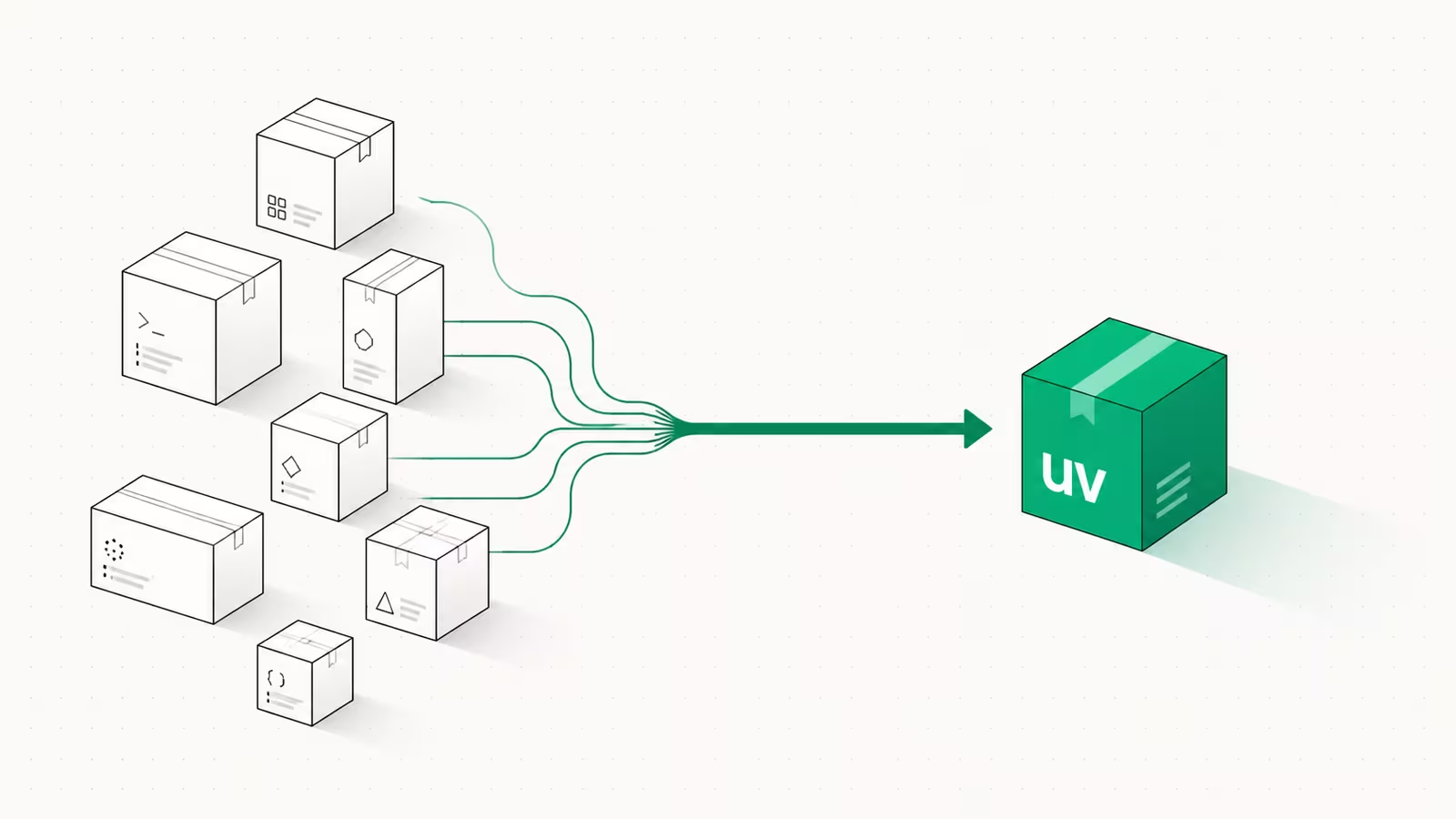
A Claude Code skill is a folder with a SKILL.md file inside it: YAML frontmatter that tells Claude when to use the skill, and Markdown instructions for what to do once it fires. That's the whole model. To create one you make the directory, write the two-part file, and Claude either loads it automatically when your request matches the description or you invoke it directly with /skill-name. No plugin build, no restart in most cases. We run this site's entire content pipeline as a single Claude Code skill, so the walkthrough below is the same shape we use in production, not a toy example.
Skills matter because they replace the thing every heavy Claude Code user ends up doing: pasting the same checklist or multi-step procedure into chat over and over. Move that procedure into a skill once and it becomes a reusable, version-controlled capability that loads only when relevant. Per Anthropic's engineering write-up, skills follow an open standard designed so an agent pulls in expertise on demand instead of carrying it in context the whole time.
What is a Claude Code skill?
A skill is the smallest unit of reusable procedure in Claude Code. Structurally it's a directory containing one required file, SKILL.md, plus any optional supporting files. The frontmatter carries a name and a description; the body carries the instructions Claude follows when the skill runs. Per the Claude Code docs, the directory name becomes the slash command you type, and the description is what Claude reads to decide whether to load the skill automatically. In 2026 custom commands were merged into skills: a file at .claude/commands/deploy.md and a skill at .claude/skills/deploy/SKILL.md both create /deploy and behave the same way, except the skill folder can also bundle scripts and reference files. If you've written a slash command before, you already know 80% of skills.
Where skills live
Where you put the folder decides its scope. There are three levels, and the choice is about who should see the skill:
| Level | Path | Available in |
|---|---|---|
| Personal | ~/.claude/skills/<name>/SKILL.md | All your projects |
| Project | .claude/skills/<name>/SKILL.md | This repo only (commit it to share with the team) |
| Plugin | <plugin>/skills/<name>/SKILL.md | Wherever the plugin is enabled |
When names collide, personal overrides project, and either overrides a bundled skill of the same name, so a project code-review skill replaces the built-in /code-review. Project skills also load from nested .claude/skills/ folders, which lets a monorepo package ship skills that only apply when you're working inside that package. For a team, project-level and committed to git is almost always the right call: everyone gets the same guardrails automatically, the same way a shared AGENTS.md file standardizes agent behavior across a repo.
How to create a Claude Code skill, step by step
Here's the full loop for a real, useful skill that summarizes your uncommitted changes. First make the directory in your personal skills folder:
mkdir -p ~/.claude/skills/summarize-changes
Then save this as ~/.claude/skills/summarize-changes/SKILL.md:
---
name: summarize-changes
description: Summarizes uncommitted changes and flags anything risky. Use when the user asks what changed, wants a commit message, or asks to review their diff before committing.
---

Run `git diff` and `git status` to see staged and unstaged changes.
Summarize what changed, grouped by file, in plain language.
Flag anything risky: secrets, deleted tests, large deletions, or config changes.
End with a suggested Conventional Commit message.
That's it. Open a git project, make an edit, and either ask "what did I change?" (Claude loads it automatically because the request matches the description) or type /summarize-changes to run it directly. Claude Code watches skill directories for changes, so edits under ~/.claude/skills/ or a project .claude/skills/ take effect within the session. Only creating a brand-new top-level skills directory that didn't exist at startup needs a restart.
Why the description is the whole game
The single most common reason a skill never fires is a weak description. It is not documentation, it's the trigger: at startup Claude loads only every skill's name and description, then uses that text to decide what to pull in. A vague description like "Dashboard builder" leaves Claude guessing. Anthropic's own skill-creator advises making descriptions deliberately "pushy" and stuffing them with trigger contexts: instead of "How to build a dashboard," write "...use this skill whenever the user mentions dashboards, data visualization, internal metrics, or wants to display any kind of company data, even if they don't explicitly ask for a dashboard." Put both what the skill does and every context where it should fire in the description. All the "when to use" information belongs there, never buried in the body. If your skill isn't triggering, fix the description before you touch anything else.
Progressive disclosure: why skills stay cheap
The reason a skill can hold a huge procedure without bloating your context is progressive disclosure, a three-level loading model. Level 1 is metadata (name + description, ~100 words) that's always in context. Level 2 is the SKILL.md body, loaded only when the skill triggers. Level 3 is bundled resources (scripts, reference docs, templates) that load only when the body points Claude to them. So a skill with a 2,000-line migration reference costs you about 100 tokens until the moment you actually need it. The practical rule from the docs: keep the SKILL.md body under 500 lines, and when it grows past that, move detail into separate files and link to them.
summarize-changes/
├── SKILL.md          # required: frontmatter + core instructions
└── references/       # optional: loaded only when SKILL.md points here
    └── risk-rules.md
This is the same principle that keeps MCP servers composable: expose capability metadata cheaply, load the heavy detail on demand.
Controlling who invokes a skill
By default both you and Claude can invoke any skill. For anything with side effects, that's not what you want, and you shouldn't rely on Claude choosing to deploy because the code "looks ready." Add disable-model-invocation: true to the frontmatter and only you can trigger the skill, by typing its slash command:
---
name: deploy
description: Deploy the application to production
disable-model-invocation: true
---
Use this for /commit, /deploy, /send-slack-message, and any irreversible action. Two related fields give finer control: allowed-tools lists tools the skill can use without a permission prompt, and disallowed-tools removes tools from the pool while the skill is active (useful for a background loop that should never ask the user a question). Reach for these deliberately, not by default.
Skill vs CLAUDE.md vs MCP: which do you need?
These three overlap enough to confuse people, so here's the split:
| Approach | Loads | Best for |
|---|---|---|
| CLAUDE.md | Always in context | Short, always-true facts about the repo |
| Skill | On demand, when relevant | Repeatable procedures and checklists |
| MCP server | Tool schemas, on demand | Connecting to external systems and data |
The tell for a skill is a procedure: if a section of your CLAUDE.md has grown from a fact into a multi-step how-to, it wants to be a skill, where it costs nothing until it's used. A fact stays in CLAUDE.md. A live connection to Jira or a database is an MCP server. Many real setups use all three together, and choosing well is part of the same tooling literacy that separates the AI coding tools worth using in 2026.
FAQ
What is a SKILL.md file?
It's the one required file in a skill folder. It has YAML frontmatter (at minimum name and description) between --- markers, followed by Markdown instructions Claude follows when the skill runs. The folder name becomes the /slash-command, and the description tells Claude when to load the skill on its own.
Where do I put a Claude Code skill?
In ~/.claude/skills/<name>/SKILL.md for a personal skill available across all your projects, or .claude/skills/<name>/SKILL.md for a project skill you commit and share with your team. Plugins can also bundle skills. Personal skills override project skills of the same name.
Do I need to restart Claude Code after adding a skill? Usually no. Claude Code watches skill directories and picks up added, edited, or removed skills within the current session. The exception is creating a top-level skills directory that didn't exist when the session started, which needs a restart so the new directory can be watched.
Why isn't my skill triggering? Almost always the description. Claude decides whether to load a skill from its name and description alone, so a vague description means it can't tell your request is a match. Rewrite the description to name the exact tasks and phrases that should trigger it, and be explicit that it should fire even when the user doesn't use the obvious keyword.
Can I stop Claude from running a skill automatically?
Yes. Add disable-model-invocation: true to the frontmatter. Then only you can invoke the skill by typing its slash command, which is what you want for anything with side effects like deploying or sending a message.
Sources
- Claude Code Docs — Extend Claude with skills: the authoritative reference for SKILL.md structure, frontmatter fields, skill locations, invocation control, and live change detection.
- Anthropic Engineering — Equipping agents for the real world with Agent Skills: the design rationale for skills and the open standard.
- anthropics/skills — skill-creator SKILL.md: first-party best practices on writing descriptions, structuring SKILL.md, and progressive disclosure.
- Agent Skills open standard: the cross-tool standard Claude Code skills follow.
Some links may earn us a commission at no extra cost to you.

Waqas Ahmed Waseer
Waqas Ahmed Waseer is a developer and automation builder with 8+ years shipping production systems used by 100k+ people. He builds custom multi-tenant SaaS, AI automation (n8n, LLM workflows, WhatsApp bots) and hosting infrastructure (WHM/cPanel, CloudLinux) — and is the maker of WaSphere, FlowMaticX, and the WaseerHost hosting brand. 100+ projects delivered for SMBs, agencies and funded startups.