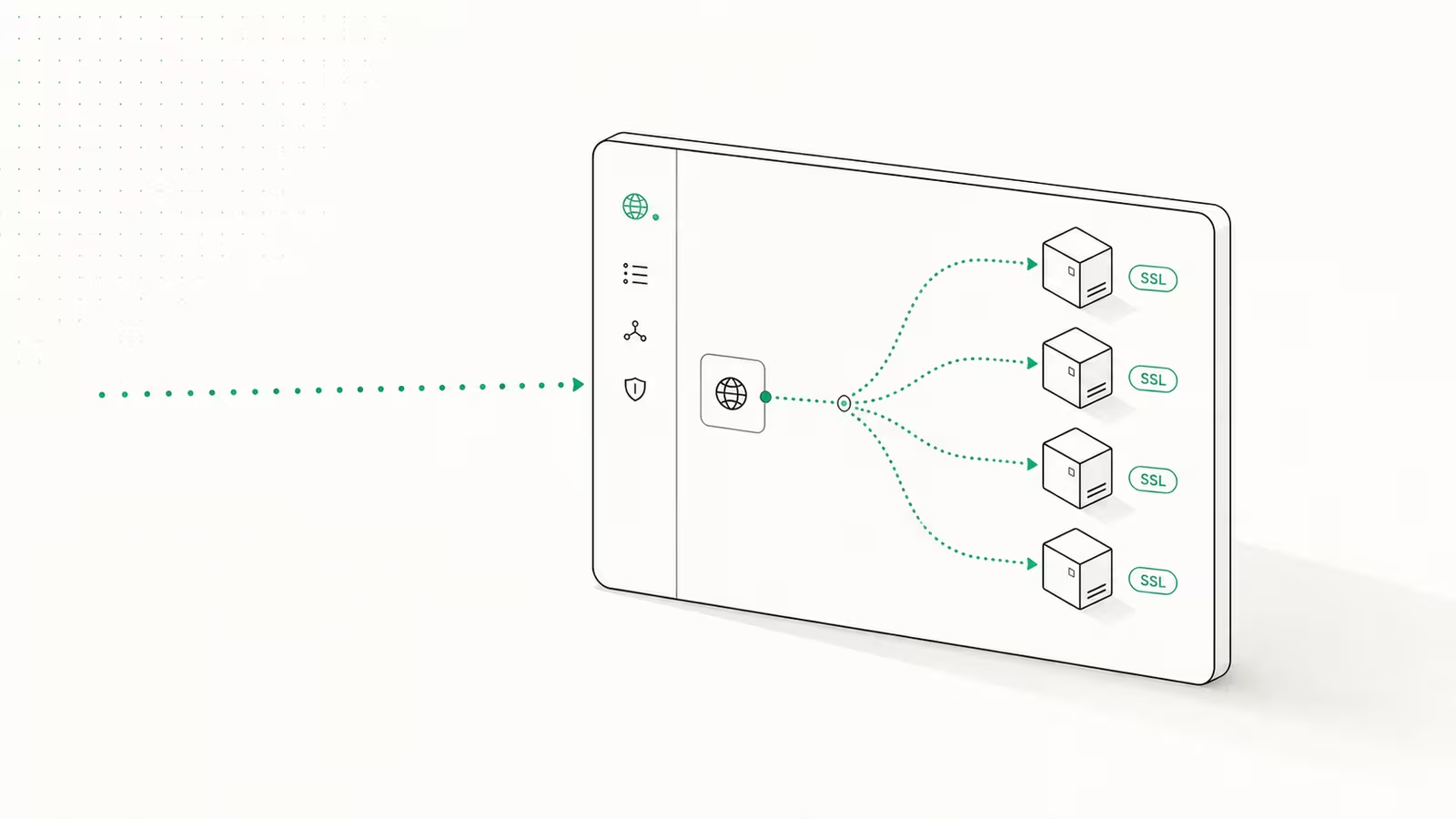
To self-host Vaultwarden in 2026, you run its lightweight Docker container on a VPS, bind it to localhost, and put a reverse proxy with HTTPS in front so the Bitwarden apps will talk to it. That is the whole shape of the job: a single small container for the server, TLS handled by a proxy, and a disciplined backup of one data folder. Done right, you get a password manager that speaks to every official Bitwarden client while your vault lives on hardware you control.
Vaultwarden is an unofficial, Rust-based reimplementation of the Bitwarden server. It is not affiliated with Bitwarden, Inc., but it speaks the same API, so the browser extensions, desktop app, and mobile apps connect to it unchanged. Because it is built for self-hosting rather than enterprise scale, it runs in a fraction of the resources the official self-hosted Bitwarden stack needs, and it unlocks the premium features (TOTP codes, attachments, security reports) for free. This guide covers a secure setup, not just a working one, because a password manager is the single highest-stakes thing you will ever self-host.
What you need before you start
Vaultwarden is simple to run and unforgiving to run carelessly. Before touching the container, you need three things in place: a server, a name, and the ability to serve HTTPS.
- A small VPS with Docker. Vaultwarden's footprint is tiny, so you do not need a large machine. A basic VPS with 1-2 GB of RAM is already far more than it uses. The kind of small server we run at WaseerHost for a few dollars a month has headroom to spare. If the box is fresh, lock it down first; our guide on the secure first hour of a new VPS covers the SSH, firewall, and user basics this assumes.
- A domain or subdomain (for example
vault.yourdomain.com) pointed at the server's IP. You need a real hostname because of the next point. - A way to serve HTTPS. This is not optional. The browser Web Crypto API that Bitwarden clients rely on refuses to run over plain HTTP on anything other than localhost, so without TLS the apps simply will not work.
Run Vaultwarden with Docker Compose
Vaultwarden ships as the official vaultwarden/server image on Docker Hub. Pin a version tag rather than latest so an unattended update never surprises you. The one rule that matters here: bind the container to 127.0.0.1, never to 0.0.0.0. Vaultwarden speaks plain HTTP internally, and it should only ever be reachable through your proxy.
services:
  vaultwarden:
    image: vaultwarden/server:1.37.4
    restart: unless-stopped
    environment:
      DOMAIN: "https://vault.yourdomain.com"
      SIGNUPS_ALLOWED: "false"
      ADMIN_TOKEN: "<argon2-hash-goes-here>"
    volumes:
      - ./vw-data:/data
    ports:
      - "127.0.0.1:8080:80"
By default Vaultwarden stores everything in a SQLite database inside /data (mapped here to ./vw-data), which is the right choice for a personal or small-team instance; it also supports MySQL/MariaDB and PostgreSQL if you ever outgrow it. Set SIGNUPS_ALLOWED to false from the start, create your own account, and keep registration closed so no stranger can open an account on your server.
Put it behind HTTPS with a reverse proxy
Because the container listens only on localhost, a reverse proxy is what makes it reachable and encrypted. Caddy is the easiest option because it obtains and renews certificates automatically; a three-line site block pointing vault.yourdomain.com at 127.0.0.1:8080 is enough to get a valid certificate and working TLS. Our Caddy reverse proxy guide walks through that config and certificate renewal in full, and the same job can be done with Nginx Proxy Manager or Traefik if you already run one of those.
One proxy detail specific to Vaultwarden: forward the real client IP (for example by setting an X-Real-IP header), because the admin panel and any fail2ban rules need to see who is actually connecting rather than the proxy's own address. If you would rather not open any inbound ports at all, a Cloudflare Tunnel can expose the service without a public port, which also doubles as a way to keep the admin page off the open internet.
Lock down the admin panel
Vaultwarden has a built-in /admin page for managing users and settings, and it is the most dangerous surface on the whole deployment: a leaked admin token exposes every user. In 2026 the correct way to protect it is an Argon2id hash, not a plaintext token. Generate one from a throwaway container before the stack is even running:
docker run --rm -it vaultwarden/server /vaultwarden hash
Enter a long, unique password when prompted, then paste the resulting PHC hash string into ADMIN_TOKEN. You log in to /admin with the original password, not the hash. Treat that as a crown-jewel credential. For anything beyond a personal instance, put the admin page behind a second barrier too: an IP allow-list at the proxy, or a VPN-only route so it is never reachable from the public internet.
Back up the one folder that matters
Self-hosting a password manager means you are now responsible for not losing it. Everything Vaultwarden needs lives in that vw-data folder: the SQLite database, attachments, the RSA keys, and the config. Back up the entire directory on a schedule, store a copy off the server, and test a restore before you trust it, because a backup you have never restored is a guess. Our Docker volume backup guide covers a snapshot-and-copy routine that fits this exactly. The failure mode to fear is not a hack; it is a dead disk and a backup nobody ever checked.
Should you self-host Vaultwarden? The honest trade-off
Self-hosting wins on cost and ownership, and loses on who carries the risk. With Vaultwarden the premium features are free and your vault never leaves your server; with hosted Bitwarden a team of experts runs the uptime, backups, and security for you. The table below is the real decision, using Bitwarden's current published prices.
| Option | Cost | Who hosts it | Premium features | Best for |
|---|---|---|---|---|
| Vaultwarden (self-hosted) | $0 software + a small VPS (a few $/mo) | You | All unlocked, free | Data ownership, homelabs, small teams |
| Bitwarden Free | $0 | Bitwarden | Limited | Zero-maintenance personal use |
| Bitwarden Premium | $19.80/yr (~$1.65/mo) | Bitwarden | TOTP, reports, 1 GB attachments | Individuals who want hosted + premium |
| Bitwarden Families | $47.88/yr (~$3.99/mo), up to 6 | Bitwarden | Premium for 6 | Families wanting it managed |
| Bitwarden Teams / Enterprise | $4 / $6 per user/mo | Bitwarden | SSO, policies, compliance | Organizations needing governance |
The honest filter: self-host Vaultwarden if you will keep HTTPS valid, back the folder up, and protect the admin panel. If you know your backup discipline is shaky or you cannot tolerate your own downtime, hosted Bitwarden is the responsible choice, and there is no shame in it. The worst outcome is a half-maintained server holding every password you own.
FAQ
Is Vaultwarden safe to self-host?
Yes, when configured correctly. The vault data is end-to-end encrypted, so even on a server you control the contents are protected by your master password. The real risks are operational: serving it over HTTP, leaving /admin exposed, or having no tested backup. Fix those three and a Vaultwarden instance is a sound password manager.
Is Vaultwarden the same as Bitwarden? No. Vaultwarden is an independent, unofficial server implementation that is compatible with Bitwarden's client apps and API. It is not made by Bitwarden, Inc. You use the official Bitwarden browser, desktop, and mobile apps, but point them at your own server instead of Bitwarden's cloud.
Do I need a domain and HTTPS to use it? Effectively yes. Bitwarden clients depend on the browser Web Crypto API, which only runs over HTTPS (or localhost). That means a real hostname and a TLS certificate, which a reverse proxy like Caddy provides automatically. Plain HTTP will leave the apps unable to connect.
Does Vaultwarden unlock Bitwarden premium features for free? Yes. Features that are paid on Bitwarden's cloud, such as TOTP generation, file attachments, and vault health reports, are available at no cost on a self-hosted Vaultwarden instance. That is a large part of why people run it.
How much server does Vaultwarden need? Very little. It is designed as a lightweight alternative to the resource-heavy official self-hosted Bitwarden stack, and runs comfortably on a small VPS with 1-2 GB of RAM. CPU and memory are rarely the constraint; your attention to backups and HTTPS is.
Sources
- Vaultwarden project wiki (dani-garcia/vaultwarden): what Vaultwarden is, SQLite default storage, the HTTPS/WebAuthn requirement, and admin-token hashing.
- Vaultwarden Docker image on Docker Hub: the official
vaultwarden/serverimage and available version tags. - Bitwarden pricing: current Free, Premium, Families, Teams, and Enterprise plan prices used in the comparison table.
Some links may earn us a commission at no extra cost to you.

Waqas Ahmed Waseer
Waqas Ahmed Waseer is a developer and automation builder with 8+ years shipping production systems used by 100k+ people. He builds custom multi-tenant SaaS, AI automation (n8n, LLM workflows, WhatsApp bots) and hosting infrastructure (WHM/cPanel, CloudLinux) — and is the maker of WaSphere, FlowMaticX, and the WaseerHost hosting brand. 100+ projects delivered for SMBs, agencies and funded startups.