To create a Claude Code plugin, put your skills, agents, hooks, or MCP config in a single directory with a .claude-plugin/plugin.json manifest, test it with claude --plugin-dir ./my-plugin, then distribute it through a marketplace so teammates can install it. That is the whole loop, and you can have a working plugin in about five minutes. The rest is knowing which pieces to include, how to avoid the one directory mistake that breaks most first attempts, and how to version and share it once it works.
We run the TechRiseUps content engine on Claude Code, and the fastest way to move a workflow off one machine and onto the whole team is to package it as a plugin instead of copying .claude/ folders around. This guide walks through exactly how to create a Claude Code plugin in 2026, based on the current official plugin docs.
What is a Claude Code plugin?
A Claude Code plugin is a self-contained directory that bundles one or more extensions — skills, subagents, hooks, MCP servers, LSP servers, or background monitors — behind a single manifest file. The manifest, .claude-plugin/plugin.json, gives the plugin a name, description, and version. Once installed, everything the plugin ships is namespaced under that name: a skill called hello inside a plugin named my-first-plugin is invoked as /my-first-plugin:hello, which keeps two plugins from colliding when they both define a skill with the same name. The point of a plugin, versus loose config in your .claude/ folder, is portability: it version-controls as one unit, updates cleanly, and installs on someone else's machine with a single command instead of a copy-paste ritual.
Plugin vs standalone config: which should you use?
Claude Code lets you add skills, agents, and hooks two ways, and picking the wrong one wastes time. Standalone config in a .claude/ directory is right for personal, project-specific tweaks and quick experiments — you get short names like /deploy and zero packaging overhead. A plugin is right the moment you want to share the workflow, reuse it across projects, or ship versioned updates. The tell is simple: if only you will ever run it in one repo, keep it standalone; if anyone else needs it, make it a plugin.
Standalone (.claude/) | Plugin | |
|---|---|---|
| Invocation name | /hello | /my-plugin:hello |
| Scope | One project | Any project, any machine |
| Sharing | Manual copy | /plugin install from a marketplace |
| Versioning | None | Explicit version or git SHA |
| Best for | Personal experiments | Team + community distribution |
The recommended path is to prototype in .claude/ for fast iteration, then convert to a plugin when it is worth sharing.
Step by step: create your first plugin
Here is the minimal end-to-end build. It creates a plugin with a single skill and tests it locally, no marketplace required.
1. Make the plugin directory.
mkdir my-first-plugin
2. Add the manifest at my-first-plugin/.claude-plugin/plugin.json:
{
  "name": "my-first-plugin",
  "description": "A greeting plugin to learn the basics",
  "version": "1.0.0",
  "author": { "name": "Your Name" }
}
Only name is truly required; version and author are optional but worth setting (more on versioning below).
3. Add a skill. Skills live in skills/<name>/SKILL.md. Create my-first-plugin/skills/hello/SKILL.md:
---
description: Greet the user with a friendly message
---

Greet the user warmly and ask how you can help them today.
4. Test it locally with the --plugin-dir flag — no install step needed:
claude --plugin-dir ./my-first-plugin
Then run /my-first-plugin:hello inside the session. As you edit files, run /reload-plugins to pick up changes without restarting Claude Code. If you would rather not pass the flag every launch, claude plugin init my-tool scaffolds a plugin into your skills directory that auto-loads on the next session.
That is a real, working plugin. Everything past this point is adding more components and shipping it.
What goes inside a plugin
A plugin can hold far more than one skill. Each component type lives in its own directory at the plugin root (not inside .claude-plugin/), and Claude Code discovers them by convention:
| Directory / file | Holds |
|---|---|
.claude-plugin/plugin.json | The manifest (name, version, metadata) |
skills/<name>/SKILL.md | Model-invoked skills |
agents/ | Custom subagent definitions |
hooks/hooks.json | Event handlers (e.g. lint on every edit) |
.mcp.json | MCP server configs for external tools |
.lsp.json | Language servers for code intelligence |
monitors/monitors.json | Background watchers that notify Claude |
bin/ | Executables added to the Bash PATH while enabled |
settings.json | Default settings applied when enabled |
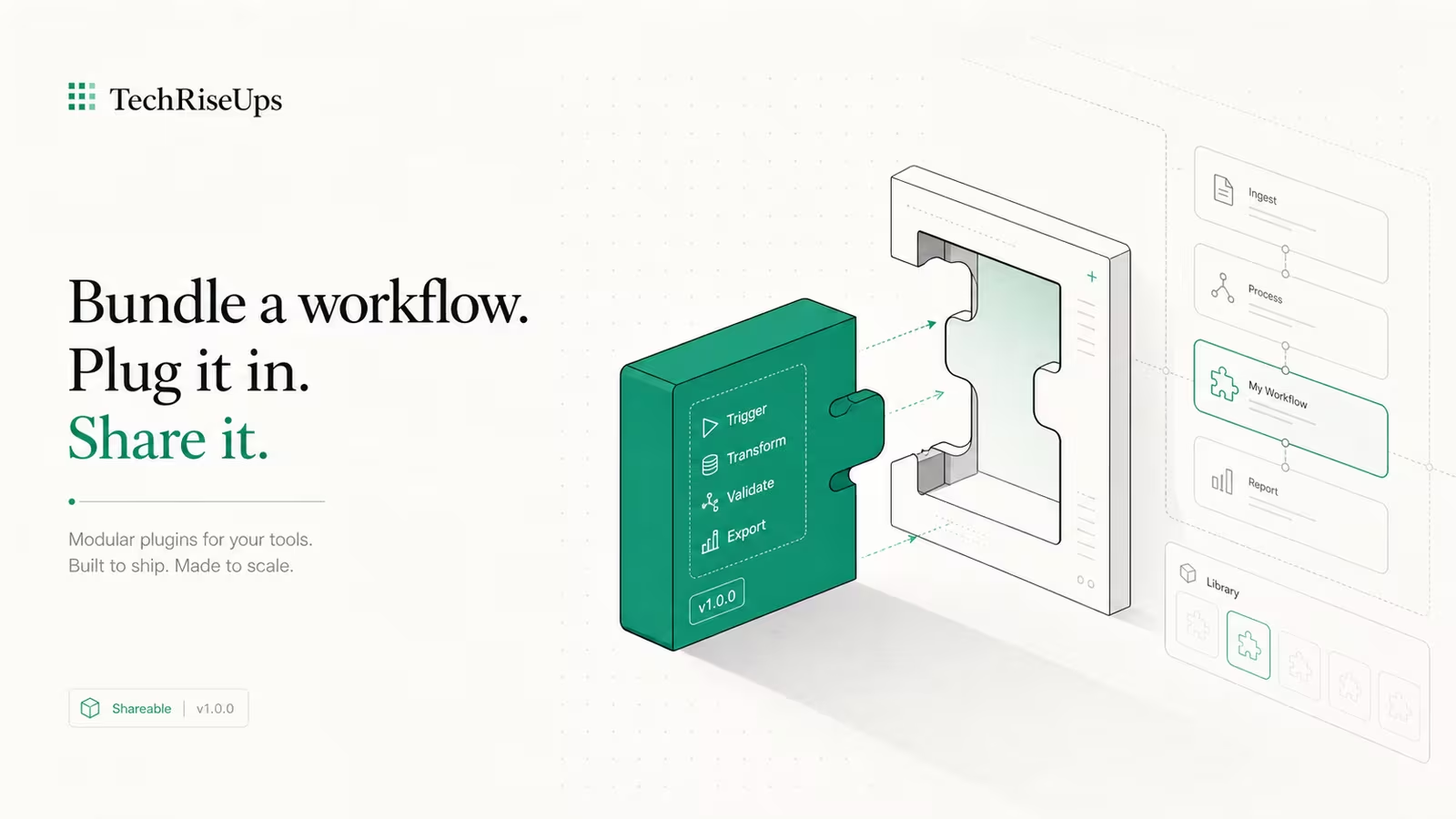
This is why plugins are the natural home for a whole workflow: a single plugin can add a skill, a lint hook, and an MCP server that all ship and update together.
The mistake that breaks most first plugins
If your skill or hook silently doesn't load, the cause is almost always the same: files put in the wrong place. Only plugin.json belongs inside .claude-plugin/. Every other directory — skills/, agents/, hooks/, commands/ — must sit at the plugin root, one level up. Nesting skills/ inside .claude-plugin/ is the single most common first-plugin error, and Claude Code gives no loud warning; the components just never appear.
The plugin root is the individual plugin's own folder — the one you pass to --plugin-dir — never your global ~/.claude/. When something doesn't work, debug in this order: confirm the directory structure is at the root, test each component on its own, run /reload-plugins, and check that agents show up in /context under Custom Agents. Run claude plugin validate to catch manifest and structure problems before they cost you a debugging session.
Distributing your plugin: marketplaces and versioning
--plugin-dir is for you; a marketplace is for everyone else. A marketplace is just a git repository with a .claude-plugin/marketplace.json file at its root that lists your plugins and where to fetch each one. You push it to GitHub or any git host, and users add it with /plugin marketplace add <owner/repo>, then install individual plugins from it. To keep a plugin internal, host the marketplace in a private repo; to reach a wider audience, Anthropic runs two public catalogs — a curated claude-plugins-official and the community claude-community, which accepts third-party submissions after review.
Versioning is the part people skip and regret. If you set an explicit version in plugin.json, users only get updates when you bump it — predictable and recommended for anything shared. If you omit it and distribute via git, the commit SHA becomes the version, so every commit counts as a new release. Pick explicit versions for anything a team depends on. Before you publish or submit, always run claude plugin validate, add a README.md with install and usage notes, and have someone else install it fresh — the same discipline you would apply to running Claude Code in automation.
Frequently asked questions
Do I need a marketplace to use a plugin?
No. claude --plugin-dir ./my-plugin loads a plugin straight from a local folder for that session, and claude plugin init can scaffold one that auto-loads from your skills directory. Marketplaces only matter when you want to distribute a plugin to other people or machines.
What is the difference between a plugin and a skill?
A skill is one capability — a SKILL.md file with instructions. A plugin is a package that can bundle many skills plus agents, hooks, and MCP servers behind a single versioned manifest. A single-skill plugin is fine; you can even place SKILL.md at the plugin root instead of in a skills/ folder.
Why isn't my plugin loading?
The usual culprit is directory placement: skills/, agents/, and hooks/ must be at the plugin root, and only plugin.json goes inside .claude-plugin/. Run /reload-plugins, then claude plugin validate to surface structure and manifest errors.
How do users get updates to my plugin?
It depends on your manifest. With an explicit version, updates ship only when you bump the number. Without one, a git-distributed plugin treats each new commit as a new version. Set an explicit version for anything a team relies on so updates are deliberate.
Sources
- Claude Code Docs — Create plugins: official quickstart, manifest fields, directory structure,
--plugin-dir, and/reload-plugins. - Claude Code Docs — Create and distribute a plugin marketplace:
marketplace.json, hosting, and private repositories. - DataCamp — How to Build Claude Code Plugins: step-by-step tutorial with
claude plugincommands (Feb 2026). - DEV Community — Building my first Claude Code Plugin: a developer's first-plugin walkthrough (Dec 2025).
Some links may earn us a commission at no extra cost to you.

Waqas Ahmed Waseer
Waqas Ahmed Waseer is a developer and automation builder with 8+ years shipping production systems used by 100k+ people. He builds custom multi-tenant SaaS, AI automation (n8n, LLM workflows, WhatsApp bots) and hosting infrastructure (WHM/cPanel, CloudLinux) — and is the maker of WaSphere, FlowMaticX, and the WaseerHost hosting brand. 100+ projects delivered for SMBs, agencies and funded startups.