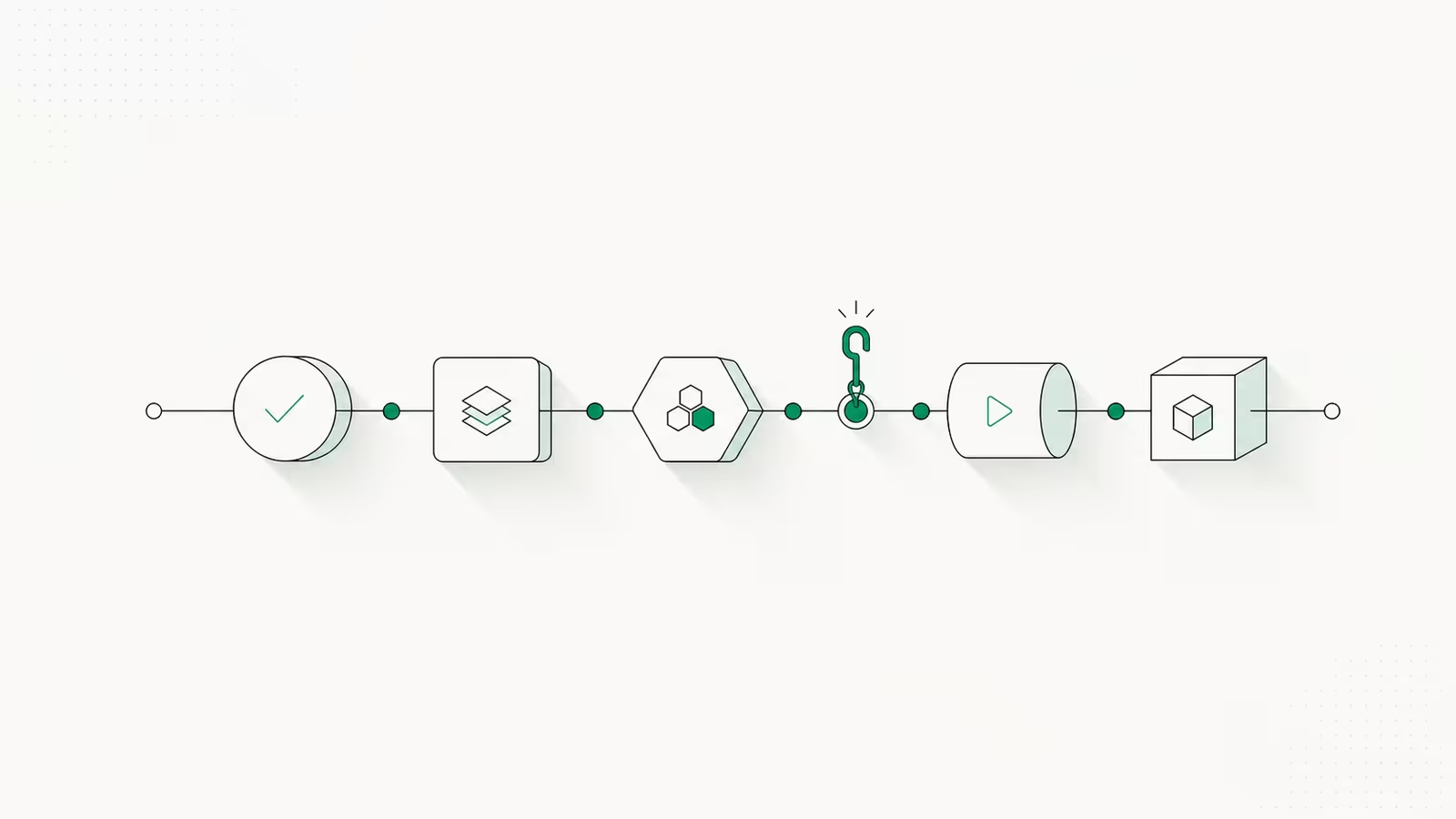
Claude Code hooks are user-defined shell commands, HTTP calls, or LLM prompts that run automatically at fixed points in Claude Code's lifecycle: before a tool runs, after a file is edited, when a session starts, or when Claude finishes a turn. They exist to make certain actions deterministic. Instead of hoping the model remembers to format your code or skip a destructive command, a hook enforces the rule every time. This guide covers what Claude Code hooks are, the events they fire on, how to configure your first one, a working example you can copy, and when to reach for a hook versus a skill or subagent.
We run this site's content pipeline on Claude Code, so hooks are part of our daily toolchain. The patterns below are the ones worth learning first.
What are Claude Code hooks?
A hook is a rule enforced by code rather than by instructions. Everything you put in a CLAUDE.md file or a prompt is a suggestion the model can, in principle, ignore or forget. A hook is not optional: when the event fires, the hook runs, full stop. Per Anthropic's hooks documentation, a hook is "a user-defined shell command, HTTP endpoint, or LLM prompt that executes automatically at specific points in Claude Code's lifecycle."
That distinction is the whole point. If you want your linter to run after every edit, a prompt that says "always run the linter" works most of the time; a PostToolUse hook runs it every time, with no dependence on the model's judgment. Hooks are how you turn "Claude usually does X" into "Claude always does X." Common jobs include auto-formatting files, blocking risky shell commands, sending a desktop notification when Claude needs input, and injecting fresh context (like the current git branch) at the start of a session.
When hooks fire: the lifecycle events
Claude Code exposes more than thirty lifecycle events you can hook into, but a handful cover almost every real use case. Each event passes your hook a JSON payload on stdin describing what is happening.
| Event | Fires when | Typical use |
|---|---|---|
UserPromptSubmit | You send a prompt, before Claude reads it | Inject context, block secrets in a prompt |
PreToolUse | Before any tool runs | Block or gate a command; can deny the action |
PostToolUse | After a tool succeeds | Format code, run tests, lint |
SessionStart | A session begins or resumes | Load branch, ticket, or environment context |
Stop | Claude finishes responding | Enforce "tests must pass before you stop" |
SubagentStop | A subagent finishes | Validate a subagent's output |
Notification | Claude sends a notification | Desktop alerts when input is needed |
The two you will use most are PreToolUse (to stop things happening) and PostToolUse (to react after they happen). A matcher field lets each hook target specific tools, so a formatter can fire only on Edit and Write, while a command guard fires only on Bash.
How to configure your first hook
Hooks live in a hooks block inside a settings file. Where you put that file decides its scope:
| File | Scope | Shareable |
|---|---|---|
~/.claude/settings.json | Every project on your machine | No |
.claude/settings.json | One project | Yes, commit it to the repo |
.claude/settings.local.json | One project, private | No, gitignored |
The structure nests three levels: the event, a matcher group that filters which tools it applies to, and the handler that actually does the work. Here is the desktop-notification hook from Anthropic's setup guide, which alerts you whenever Claude is waiting on you:
{
  "hooks": {
    "Notification": [
      {
        "matcher": "",
        "hooks": [
          { "type": "command", "command": "notify-send 'Claude Code' 'Waiting for your input'" }
        ]
      }
    ]
  }
}
Add that to .claude/settings.json, restart the session, and the hook is live. An empty matcher means "match everything." That is the entire mental model: pick an event, optionally narrow it with a matcher, point it at a command.
A working example: format edits and block risky commands
Two hooks earn their keep on almost any project. The first formats every file Claude touches; the second refuses to run destructive shell commands.
{
  "hooks": {
    "PostToolUse": [
      {
        "matcher": "Edit|Write",
        "hooks": [
          { "type": "command", "command": "prettier --write \"$CLAUDE_FILE_PATHS\" 2>/dev/null || true" }
        ]
      }
    ],
    "PreToolUse": [
      {
        "matcher": "Bash",
        "hooks": [
          { "type": "command", "command": "${CLAUDE_PROJECT_DIR}/.claude/hooks/block-rm.sh" }
        ]
      }
    ]
  }
}
The PreToolUse guard is a small script that reads the proposed command and decides whether to allow it. This is where exit codes matter: exit 0 means "no objection, carry on," while exit 2 is a blocking error that stops the tool and feeds your message back to Claude. You can also print structured JSON for finer control:
#!/bin/bash
# .claude/hooks/block-rm.sh
COMMAND=$(jq -r '.tool_input.command')
if echo "$COMMAND" | grep -qE 'rm -rf|:(){:|:&};:'; then
  jq -n '{ hookSpecificOutput: {
    hookEventName: "PreToolUse",
    permissionDecision: "deny",
    permissionDecisionReason: "Destructive command blocked by project hook"
  }}'
  exit 0
fi
exit 0
Now Claude physically cannot run rm -rf in this project, and every edited file comes out formatted, without either behavior depending on the model remembering to do it.
Prompt-based and agent-based hooks (new in 2026)
Not every rule is a clean yes/no you can express in a shell script. Anthropic added two hook types in 2026 for decisions that need judgment. A prompt-based hook (type: "prompt") sends the hook's input to a Claude model, Haiku by default, and lets the model return the decision, useful for something like "block this commit message if it leaks a customer name." An agent-based hook (type: "agent") spawns a subagent to verify something more involved before Claude proceeds. Both trade the determinism of a shell command for flexibility, and both cost a model call, so keep them for the cases a regex genuinely can't handle. For the vast majority of hooks, a plain command is faster, free, and fully predictable.
Hooks vs skills, subagents, and CLAUDE.md
Claude Code gives you several extension points, and the common mistake is using the wrong one. The dividing line is determinism.
- Hooks enforce a rule with code. Use them when something must happen every time, regardless of what the model decides: formatting, guardrails, notifications, context injection.
- Skills give Claude reusable instructions and scripts it chooses to apply when a situation matches. They extend capability, not enforcement.
- Subagents run work in an isolated context so a big task doesn't flood the main thread. They are about context, not rules.
CLAUDE.mdis persistent guidance the model reads and usually follows, but can override.
If your instruction keeps getting ignored, that is the signal to promote it from a CLAUDE.md line to a hook. Hooks also pair naturally with MCP servers: a hook can call an MCP tool, or fire on MCP tool use, to wire Claude into your existing systems.
Is it safe? Hooks run with your full permissions
Yes, with one serious caveat: hooks execute arbitrary commands on your machine with your user's permissions, automatically and without a confirmation prompt. Anthropic's guide is blunt that you are solely responsible for what your hooks do, and that a careless hook can delete files or corrupt data. Never paste a hook config from an untrusted source without reading every command first, keep shared hooks in a committed .claude/settings.json so teammates can review them, and prefer blocking guards over anything that writes or deletes on its own. Treat a hook the way you would treat any script that runs unattended.
Frequently asked questions
What can you use Claude Code hooks for? The most common uses are auto-formatting and linting after edits, blocking dangerous or out-of-policy commands, running tests before Claude finishes a turn, sending desktop notifications when Claude needs input, and injecting context (git branch, ticket number, environment) at session start.
What's the difference between a hook and a CLAUDE.md rule?
A CLAUDE.md rule is guidance the model reads and usually follows but can ignore or forget. A hook is enforced by code and runs every time its event fires. Use CLAUDE.md for preferences and hooks for anything that must be guaranteed.
How many hook events are there, and where's the full list?
Claude Code exposes more than thirty lifecycle events, from SessionStart to PreToolUse, PostToolUse, Stop, and subagent events. The complete, current list with input and output schemas lives in the official hooks reference.
Do hooks slow Claude Code down? Command hooks are typically fast and all matching hooks run in parallel, so the overhead is small. Prompt-based and agent-based hooks add a model call and are slower, so reserve them for decisions a shell script can't make.
Sources
- Claude Code Docs — Hooks reference: official list of lifecycle events, configuration structure, matchers, input schema, exit codes, and JSON output fields.
- Claude Code Docs — Automate actions with hooks (guide): first-hook walkthrough, prompt-based and agent-based hooks, and the security warning about hooks running with your permissions.
Some links may earn us a commission at no extra cost to you.

Waqas Ahmed Waseer
Waqas Ahmed Waseer is a developer and automation builder with 8+ years shipping production systems used by 100k+ people. He builds custom multi-tenant SaaS, AI automation (n8n, LLM workflows, WhatsApp bots) and hosting infrastructure (WHM/cPanel, CloudLinux) — and is the maker of WaSphere, FlowMaticX, and the WaseerHost hosting brand. 100+ projects delivered for SMBs, agencies and funded startups.