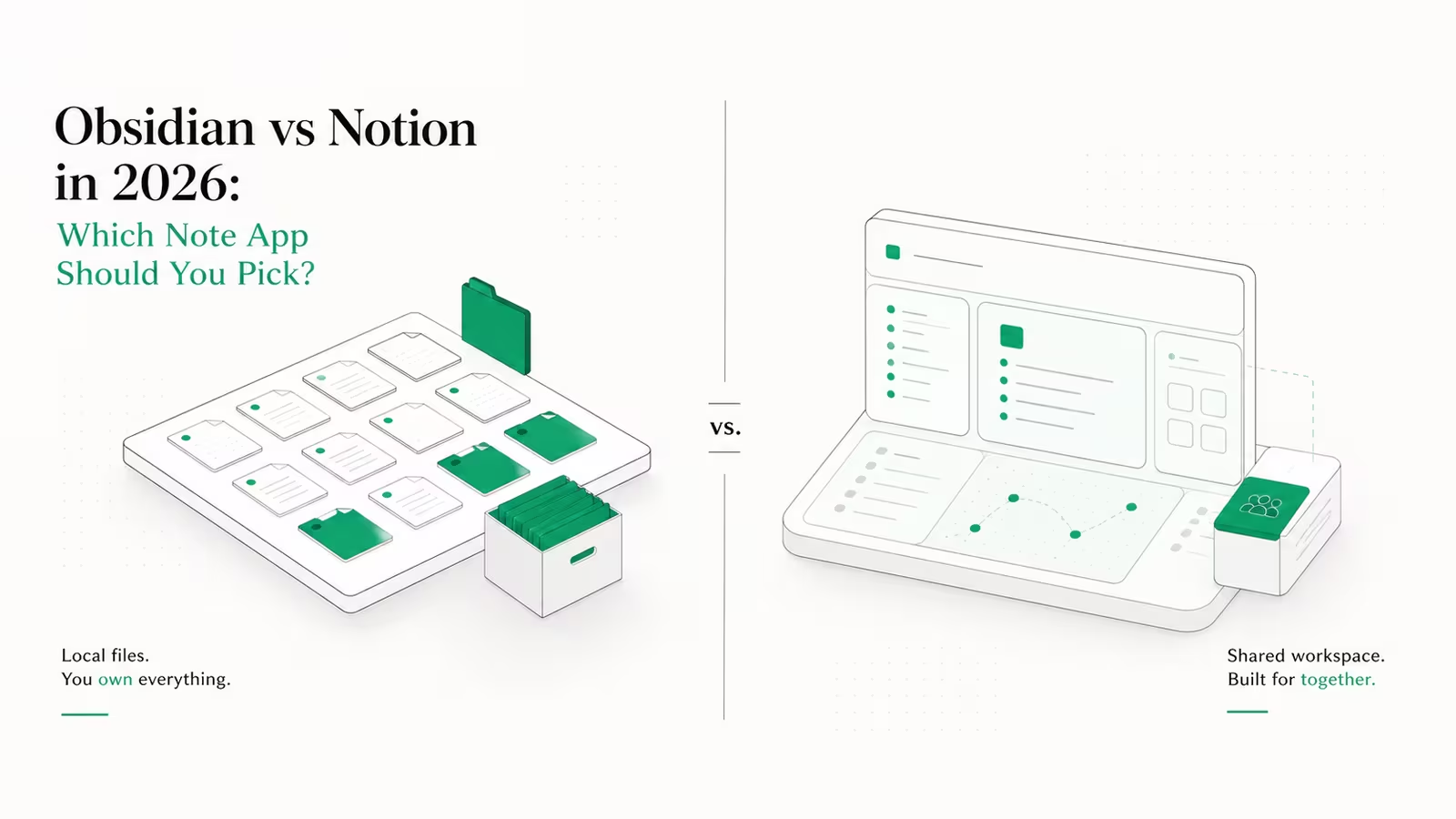
The best Notion alternatives in 2026 split into two camps: polished cloud apps like Coda and Obsidian, and open-source tools you can self-host for the price of a small server — AFFiNE, AppFlowy, Anytype and Outline. If you want the closest all-in-one replacement, AFFiNE and AppFlowy now cover docs, databases and boards in one app; if privacy is the priority, Anytype and Obsidian keep your data on your own machine. This guide ranks the real contenders by what they actually cost — including the server bill that self-hosting quietly adds and most listicles leave out.
People leave Notion for a handful of concrete reasons: per-seat pricing that climbs as the team grows, an AI feature that moved to a metered credit model on top of the subscription, sluggish performance on large workspaces, weak offline support, and unease about where the data lives. Every tool below fixes at least one of those. None fixes all of them, so the right pick depends on which trade-off you can live with.
The best Notion alternatives in 2026 at a glance
| Tool | Model | Cloud price (2026) | Self-host | Best for |
|---|---|---|---|---|
| AFFiNE | Open source (MIT) | Free; Pro ~$6.75/mo | Yes | Closest all-in-one: docs + whiteboard + database |
| AppFlowy | Open source (AGPL) | Free; Pro $10/user/mo | Yes | Teams wanting Notion's exact feature map |
| Anytype | Source-available, local-first | Free; Builder $99/yr | Yes | Privacy and offline-first knowledge graphs |
| Obsidian | Proprietary, local files | Free personal; Sync $4/mo | N/A (local) | Solo writers and plain-text note-takers |
| Coda (Superhuman Docs) | Proprietary SaaS | Free; Pro $10/maker/mo | No | Spreadsheet-style docs with heavy formulas |
| Outline | Source-available (BSL) | Free self-host; cloud from $10/mo | Yes | Team wikis and internal documentation |
Prices are billed-annually rates from each vendor's official pricing page, checked July 2026.
AFFiNE: the closest all-in-one replacement
AFFiNE is the nearest thing to a full Notion replacement you can run yourself. It merges documents, a freeform whiteboard ("Edgeless" canvas) and databases into one local-first app, so pages live on your device and sync on your terms. The cloud Free tier is genuinely free forever with 10GB of storage, up to three members per workspace and seven days of version history; paid Cloud starts around $6.75/month, and because the code is MIT-licensed you can self-host the Community Edition at no license cost. For anyone who used Notion as a true workspace — docs, wikis and databases together — AFFiNE covers all of it in a way most single-purpose alternatives do not. The trade-off is maturity: the whiteboard-plus-docs model is powerful but still rougher around the edges than Notion's polished web app, and the mobile experience lags the desktop one.
AppFlowy: Notion's feature map, self-hosted
AppFlowy is the alternative that most deliberately mirrors Notion's structure — a block editor, relational databases with grid, board, calendar and timeline views, and an AI assistant. It is a Rust and Flutter project that has spent roughly three years chasing Notion's feature list, and in 2026 it has largely caught up on the basics. The hosted Pro plan is $10 per user per month billed annually ($12.50 monthly), with an optional AI add-on, but the draw is the self-hosted backend: AppFlowy Cloud runs on Docker Compose under an AGPL license, so a whole team can share one server bill instead of paying per seat. It is the strongest pick for a team that wants Notion's exact mental model without Notion's per-head pricing, provided someone is comfortable maintaining a container stack.
Anytype: privacy and offline by default
Anytype takes the opposite approach to a cloud workspace: it is local-first and end-to-end encrypted, with no server sitting between your devices by default. Everything is an "object" with its own type and relations, so a task, a note, a contact and a project can link into a structured personal knowledge graph rather than a flat page tree. The free tier includes 1GB of sync space and local, encrypted storage, the Builder plan runs $99/year for more space, and the code is source-available with self-hosting supported for teams that want to run their own sync node. Anytype suits people who want Notion-style structure but refuse to keep their second brain on someone else's servers. The cost is a steeper learning curve — the object model is unfamiliar — and collaboration features that trail the cloud-native tools.
Obsidian: plain files you will still own in 2036
Obsidian is not a Notion clone; it is a local Markdown editor built on plain text files, and that is exactly why it endures. There is no database or kanban board out of the box, but a large community-plugin ecosystem adds most of what Notion does, and your notes remain readable .md files with no vendor in the loop. Personal use is free with no sign-up; optional Sync is $4/month billed annually and Publish is $8/month, while commercial use asks for a $50/user/year license. For a solo writer, researcher or developer who values longevity and offline speed over real-time team collaboration, Obsidian is the safest long-term bet on this list — your data survives any company outcome. It is the weakest choice if you need multiplayer editing or relational databases.
Coda, now Superhuman Docs: formulas over notes
Coda was always the alternative for people who wanted a document that behaves like a spreadsheet-powered app, with deep formulas, buttons and automations. The context changed in 2026: Coda became "Superhuman Docs" on July 8, 2026 after Grammarly rebranded to Superhuman and folded Coda into its suite. Pricing still uses the Maker model — you pay only for Doc Makers, not editors or viewers: Free, Pro at $10/maker/month annually, and Team at $30/maker/month. Existing customers stay on their current plan unless they connect to the Superhuman bundle. Coda is the pick when your "docs" are really lightweight internal tools. The caveat is strategic: it is proprietary SaaS with no self-host option, and the rebrand adds uncertainty about the roadmap for standalone Coda users.
Outline: the team wiki that scales by server, not seat
Outline is the most polished self-hosted knowledge base available, and it is the answer when the job is a company wiki rather than a personal workspace. The editor feels close to Notion — slash commands, nested documents, embeds and real-time collaboration — but the economics are different. The managed cloud starts at $10/month for up to 10 users, while self-hosting under its source-available license is free software: you pay only for the server, typically $8–20/month on a small VPS regardless of how many people you add. That flat cost is the entire pitch. Outline is narrower than AFFiNE or AppFlowy — it is a wiki, not a database-and-boards workspace — so pair it with something else if you need Kanban and relational tables.
What does self-hosting a Notion alternative actually cost?
This is the number the "10 best" lists skip. For AFFiNE, AppFlowy, Anytype's sync node and Outline, the software is free — but self-hosting is not free. You are trading a per-seat SaaS subscription for one flat server bill plus your own time. A small VPS that comfortably runs one of these apps for a team is roughly $5–12/month, compared provider by provider in the best VPS hosting in 2026, ranked by real price and performance. We run this site's infrastructure through WaseerHost, our own hosting company, so we will be blunt about the real trade-off: the server is the cheap part. The tax is maintenance — Docker updates, off-site backups, TLS certificates and the occasional broken upgrade. For a five-person team, a $10/month VPS beats $50–90/month of per-seat SaaS on cash. For a solo user who values their weekends, a hosted plan or a local-only tool like Obsidian is usually the smarter buy. If you want the full picture, we cover the same maths for adjacent tools in the best Nextcloud alternatives, ranked by real cost and the best Trello alternatives that are free, open-source and self-hostable.
Which Notion alternative should you pick?
There is no single winner, only a best fit per situation:
- Closest all-in-one replacement: AFFiNE if you want docs, databases and a whiteboard in one open-source app; AppFlowy if you want Notion's exact feature map for a team.
- Privacy and offline first: Anytype for a structured, encrypted knowledge graph; Obsidian for plain-text notes you will own for a decade.
- Spreadsheet-grade documents: Coda (Superhuman Docs), accepting it is proprietary and cloud-only.
- Team wiki on a budget: Outline self-hosted, where cost scales with your server, not your headcount.
For most teams leaving Notion over price, the honest answer is AppFlowy or AFFiNE on a cheap VPS. For most individuals, it is Obsidian. Match the tool to the trade-off you can actually live with, not to whichever ranks first on a listicle.
Frequently asked questions
What is the best free Notion alternative? For individuals, Obsidian is the best genuinely free option — personal use has no limits and no sign-up. For teams, AFFiNE's free-forever cloud tier or a self-hosted AppFlowy instance give you the most Notion-like features at zero software cost, though self-hosting adds a small server bill.
Is there an open-source Notion alternative? Yes. AFFiNE (MIT) and AppFlowy (AGPL) are fully open source, and Outline and Anytype are source-available and self-hostable. All four let you run the app on your own server and export your data freely, which removes the vendor lock-in that pushes many people off Notion.
What is the closest alternative to Notion? AppFlowy maps most directly to Notion's block editor and database views, while AFFiNE goes further by adding a whiteboard. If you use Notion as a full workspace — docs, wikis, databases and boards together — those two are the only alternatives that cover all of it in a single app.
Can I self-host a Notion alternative, and is it cheaper? Yes, and it usually is for teams. AFFiNE, AppFlowy, Anytype and Outline all self-host on a small VPS for roughly $5–12/month total, which beats per-seat SaaS pricing once you pass a handful of users. The catch is maintenance time: you own the updates, backups and security.
Why did Coda become Superhuman Docs? Grammarly, which had acquired Coda, rebranded the whole company to Superhuman in mid-2026 and folded Coda into the Superhuman suite as "Superhuman Docs" on July 8, 2026. Existing Coda plans and pricing continue unless you opt into the new bundle.
Sources
- Notion — official pricing (Free, Plus, Business, Enterprise, AI credits): baseline per-seat pricing and the metered AI credit model.
- AFFiNE — official pricing: free-forever tier, Pro price, MIT self-host.
- AppFlowy — official pricing: Pro per-user price, AI add-on, AGPL self-hosting.
- Anytype — official pricing: free tier, Builder plan, local-first and self-host.
- Obsidian — official pricing: free personal use, Sync, Publish and commercial license.
- Coda — "What's changing: Grammarly becomes Superhuman": the July 8, 2026 rebrand of Coda to Superhuman Docs.
- Coda / Superhuman — billing and pricing basics: Maker-based billing details.
- Outline — official pricing: cloud tiers and free self-hosting.
Some links may earn us a commission at no extra cost to you.

Waqas Ahmed Waseer
Waqas Ahmed Waseer is a developer and automation builder with 8+ years shipping production systems used by 100k+ people. He builds custom multi-tenant SaaS, AI automation (n8n, LLM workflows, WhatsApp bots) and hosting infrastructure (WHM/cPanel, CloudLinux) — and is the maker of WaSphere, FlowMaticX, and the WaseerHost hosting brand. 100+ projects delivered for SMBs, agencies and funded startups.