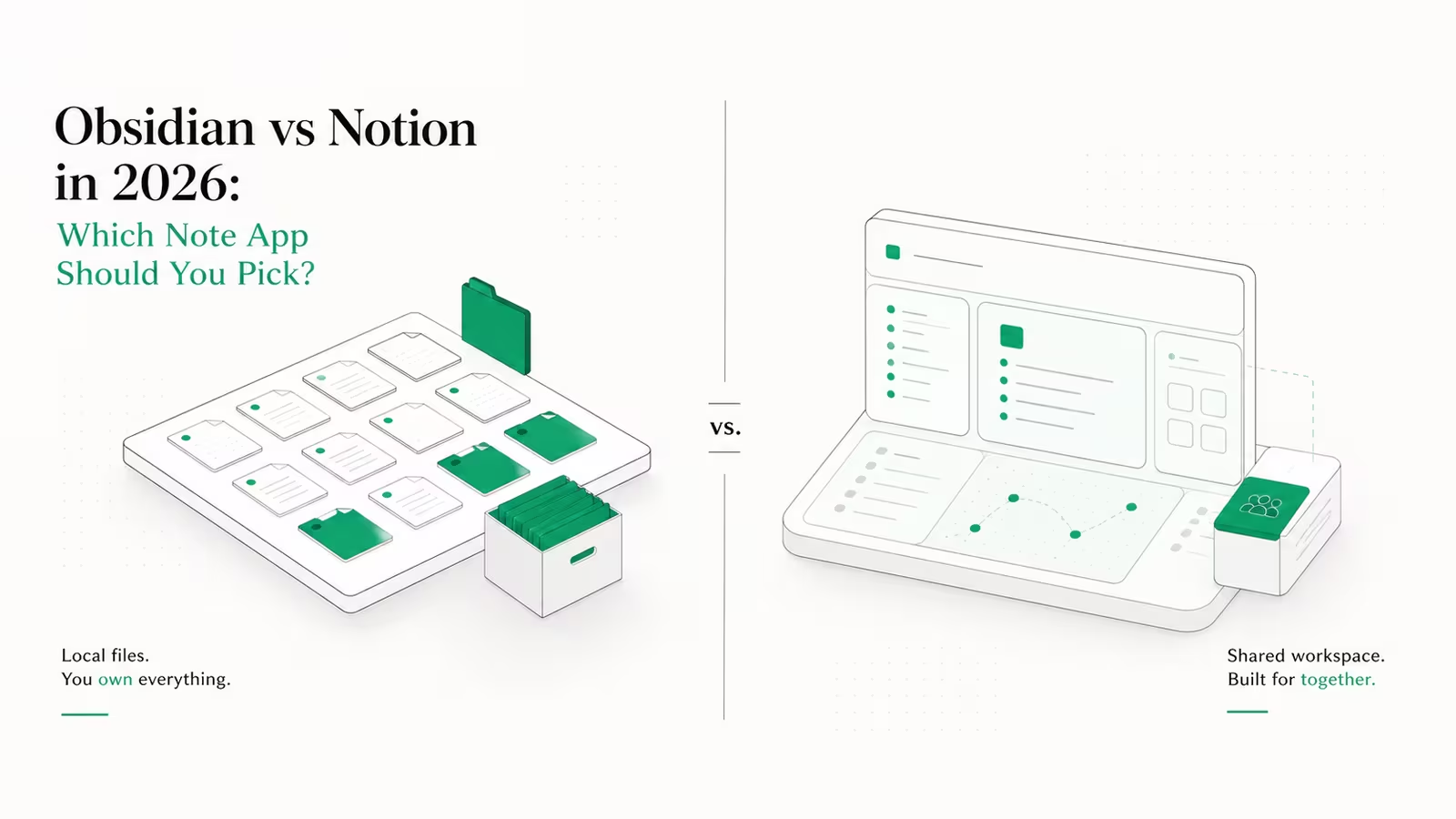
The Obsidian vs Notion choice comes down to one split: pick Obsidian if you want a fast, local-first notes app you fully own, and Notion if you want a cloud workspace where a team can build wikis, databases, and projects together. Obsidian stores everything as plain Markdown files on your own disk and is free for personal use; Notion keeps your work in its cloud and starts charging the moment you need version history, unlimited uploads, or real collaboration. That single split, local files versus a shared cloud, decides almost every other trade-off between the two, and it is what this comparison walks through: the real 2026 pricing, how their databases differ, collaboration and sync, and who actually owns your notes.
Disclosure: TechRiseUps is reader-supported and may earn a commission from some links on this page, at no extra cost to you. Prices are from the official vendor pages, dated September 2026. WaseerHost is our own hosting service.
Obsidian vs Notion at a glance
Here is the head-to-head before the detail. Both have a genuinely usable free tier, so "which is cheaper" depends entirely on whether you need cloud sync and teamwork.
| Dimension | Obsidian | Notion |
|---|---|---|
| Storage model | Local Markdown files on your device | Cloud (Notion's servers) |
| Free tier | Full app, unlimited notes, personal use | Real, but 5 MB uploads and 7-day history |
| Paid entry | Sync add-on $4/mo billed annually | Plus $10/seat/mo billed annually |
| Databases | Bases core plugin (tables, cards from note properties) | Native, mature databases and relations |
| Real-time collaboration | Weak (sync a shared vault) | Strong (built for teams) |
| Offline use | Full, it is a local app | Limited, cloud-first |
| Data portability | Plain Markdown, no lock-in | Export to Markdown/CSV, but weaker fidelity |
| Best for | Personal knowledge, privacy, writers, devs | Teams, wikis, project management |
What is Obsidian, and who is it for?
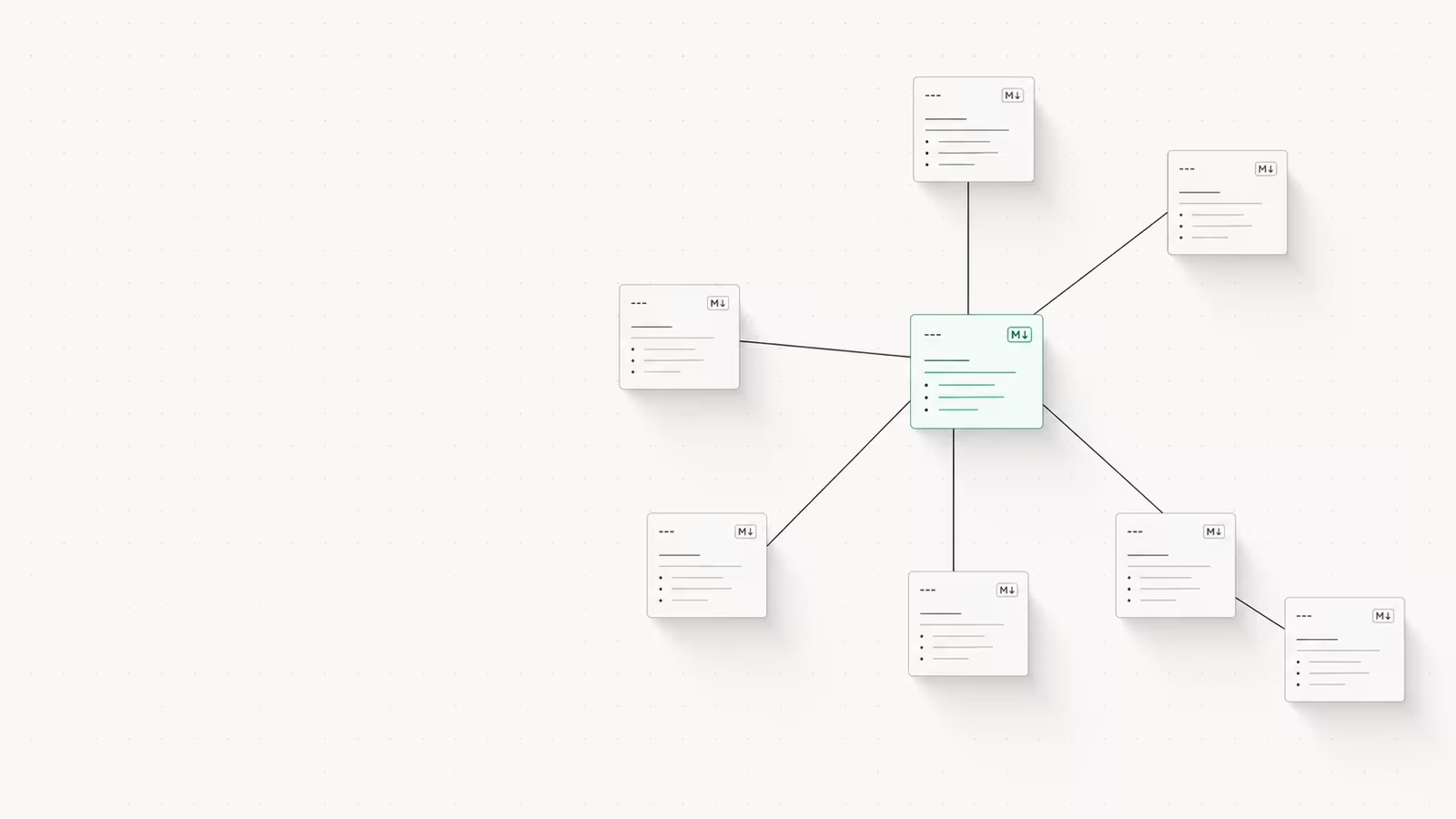
Obsidian is a local-first note-taking app built on plain Markdown files. Every note is a .md file in a folder (a "vault") on your own machine, which means the app works fully offline, opens instantly, and never holds your data hostage. Its signature features are bidirectional links and a graph view that maps how your notes connect, plus a library of well over 1,000 community plugins that extend it into a task manager, kanban board, or writing studio. It is free for personal use with no limits and no account required.
Obsidian suits people who write and think for themselves: researchers, developers, students, and anyone building a long-term personal knowledge base they want to keep for a decade. The trade-off is that it does less out of the box. You assemble your own setup from plugins, and real-time team collaboration is not its strength. If you want a tool that is yours, private, and fast, that is the appeal.
What is Notion, and who is it for?
Notion is a cloud-based, all-in-one workspace that combines documents, databases, wikis, and lightweight project management in one place. Where Obsidian gives you files, Notion gives you a shared environment: several people can edit the same page live, comment, assign tasks, and query structured databases with filters and views. Its databases are the standout, mature, flexible, and central to how teams run wikis and trackers. In 2026 Notion also leans hard on AI, with agents that can draft and update pages, now built on Anthropic's Claude models.
Notion is the better pick when more than one person needs the same source of truth: a startup wiki, a content calendar, a client tracker. The catch is that your data lives on Notion's servers, the useful features sit behind paid tiers, and exporting a complex workspace never comes out as clean as it went in.
Pricing compared (2026)
Both are free to start, but they charge for different things. Obsidian charges for sync and publishing; the app itself stays free. Notion charges per seat once you outgrow the free plan. These are the current published rates (September 2026).
| Plan | Obsidian | Notion |
|---|---|---|
| Free | Full app, personal use | $0 (5 MB uploads, 7-day history) |
| Entry paid | Sync: $4/user/mo annually ($5 monthly) | Plus: $10/seat/mo annually ($12 monthly) |
| Next tier | Publish: $8/site/mo annually | Business: $20/seat/mo annually |
| One-off / org | Commercial license $50/user/year | Enterprise: custom |
The gap widens for teams. A five-person team that wants full features pays Notion Business roughly $1,200/year ($20 × 5 × 12), and full Notion AI now ships only inside that Business plan after the separate AI add-on was retired. The same five people on Obsidian pay $0 if they sync notes themselves, or $240/year if each buys Sync, and Obsidian's own AI is plugin-based with no subscription, you pay only for API usage if you connect a cloud model. For solo users the difference is smaller but still real: Obsidian is free forever unless you want its Sync service, while Notion's free tier quietly pushes you to Plus the first time you hit the upload cap or want more than a week of page history.
Databases: Notion databases vs Obsidian Bases
This used to be Notion's uncontested win, and it is still its strongest card. Notion databases are mature: relations between tables, rollups, formulas, and a dozen view types (table, board, calendar, timeline, gallery) that non-technical teammates can build without help. If your work revolves around structured, shared data, Notion is hard to beat.
Obsidian narrowed the gap in 2026 with Bases, a core plugin introduced in Obsidian 1.9.0 that turns a set of notes into a database with table and card views, filters, and formulas, all driven by the YAML properties already in your Markdown files. It is genuinely useful for reading lists, project trackers, and CRMs built on local notes. It is not yet as deep as Notion's relations and rollups, and it is single-user by nature, but it removes the old "Obsidian can't do databases" objection for personal use.
Collaboration and sync
Notion was built for teams, and it shows. Multiple people edit the same page in real time, see each other's cursors, leave comments, and share a permission-controlled workspace. This is the clearest reason to choose it: if a group needs one living wiki, Notion is the natural answer and Obsidian is not.
Obsidian's collaboration is thinner. Obsidian Sync ($4/user/mo annually) keeps a vault mirrored across your own devices with end-to-end encryption and version history, and a shared vault lets a small group work off the same files, but it is not live co-editing. You can also skip Obsidian Sync entirely and move the vault yourself with Git, Syncthing, or any cloud-drive folder, since it is just files. That flexibility is the point, but it means Obsidian is a personal tool that can be shared, not a team tool by design.
Who owns your data? Lock-in, portability, and self-hosting
Most comparisons stop at features. The bigger long-term question is who holds your notes, because a knowledge base is something you keep for years. Obsidian's answer is simple: your notes are plain Markdown files in a folder you control. There is no export step, no proprietary format, and no company that can lock you out or shut down and take your data with it. You can open the same files in any text editor a decade from now.
Notion's data lives in its cloud. You can export to Markdown and CSV, but complex databases, relations, and embeds lose fidelity on the way out, and day to day you depend on Notion's servers and pricing decisions. Neither approach is wrong, but they carry different risks: Notion trades ownership for convenience and collaboration; Obsidian trades polish and teamwork for control.
If you lean toward ownership but still want notes on every device, self-hosting the sync layer is the middle path, and it is the model we run our own infrastructure on at WaseerHost: put an Obsidian vault in a Git repo or a Syncthing folder on a small VPS and you get cross-device sync without handing your notes to anyone. Our own guide to self-hosting apps on a VPS walks through that setup. If you would rather not run a comparison at all, our roundups of the best Notion alternatives and the best Obsidian alternatives cover the wider field.
Which should you pick?
Choose Notion if you are a team, if databases and shared wikis are central to your work, or if you want one polished tool that does documents, projects, and knowledge in the cloud without assembling plugins. Budget for at least the Plus plan per person, and Business if you want the AI.
Choose Obsidian if you work mostly solo, care about privacy and offline speed, want to own your files outright, or plan to keep this knowledge base for the long haul. It is free to start, cheap to sync, and impossible to get locked out of. Many people also run both: Obsidian as a private thinking space, Notion as the shared team surface. There is no single winner, only which trade-off fits how you work.
FAQ
Is Obsidian a good alternative to Notion? For personal note-taking, yes. Obsidian matches Notion on writing, linking, and (with the Bases plugin) lightweight databases, and beats it on speed, offline use, and data ownership. Where it is not a good substitute is real-time team collaboration and shared cloud wikis, which remain Notion's territory.
Which is better, Obsidian or Notion, in 2026? Neither is universally better. Obsidian is better for individuals who value privacy, local files, and long-term control. Notion is better for teams that need collaboration, structured databases, and an all-in-one cloud workspace. Pick by whether your notes are mainly yours or mainly shared.
Why are people obsessed with Obsidian? Because it is fast, local, and yours. Notes are plain Markdown files you control, the app works offline with no account, over 1,000 plugins let you shape it to your workflow, and there is no subscription required to use it. For people building a knowledge base they intend to keep, that combination is hard to give up.
Is Notion still worth using? Yes, especially for teams. Notion remains one of the best tools for shared wikis, databases, and project management, and its 2026 AI agents add real drafting and automation. The main reasons to look elsewhere are cost per seat as a team grows, dependence on its cloud, and weaker data portability compared with plain files.
Sources
- Obsidian — Pricing: free personal license, Sync at $4/user/mo annually, Publish, and the $50/user/year commercial license.
- Notion — Pricing: Free, Plus at $10/seat/mo annually, and Business at $20/seat/mo annually.
- eesel — Notion pricing 2026: how full Notion AI is now bundled into the Business plan after the separate add-on was retired.
- Obsidian Help — Introduction to Bases: the Bases core plugin that adds database views over local Markdown notes.
- Obsidian — 1.9.0 changelog: the release that introduced Bases.
- Notion — AI agents: Notion's 2026 AI agents built on Anthropic's Claude models.
Some links may earn us a commission at no extra cost to you.

Waqas Ahmed Waseer
Waqas Ahmed Waseer is a developer and automation builder with 8+ years shipping production systems used by 100k+ people. He builds custom multi-tenant SaaS, AI automation (n8n, LLM workflows, WhatsApp bots) and hosting infrastructure (WHM/cPanel, CloudLinux) — and is the maker of WaSphere, FlowMaticX, and the WaseerHost hosting brand. 100+ projects delivered for SMBs, agencies and funded startups.