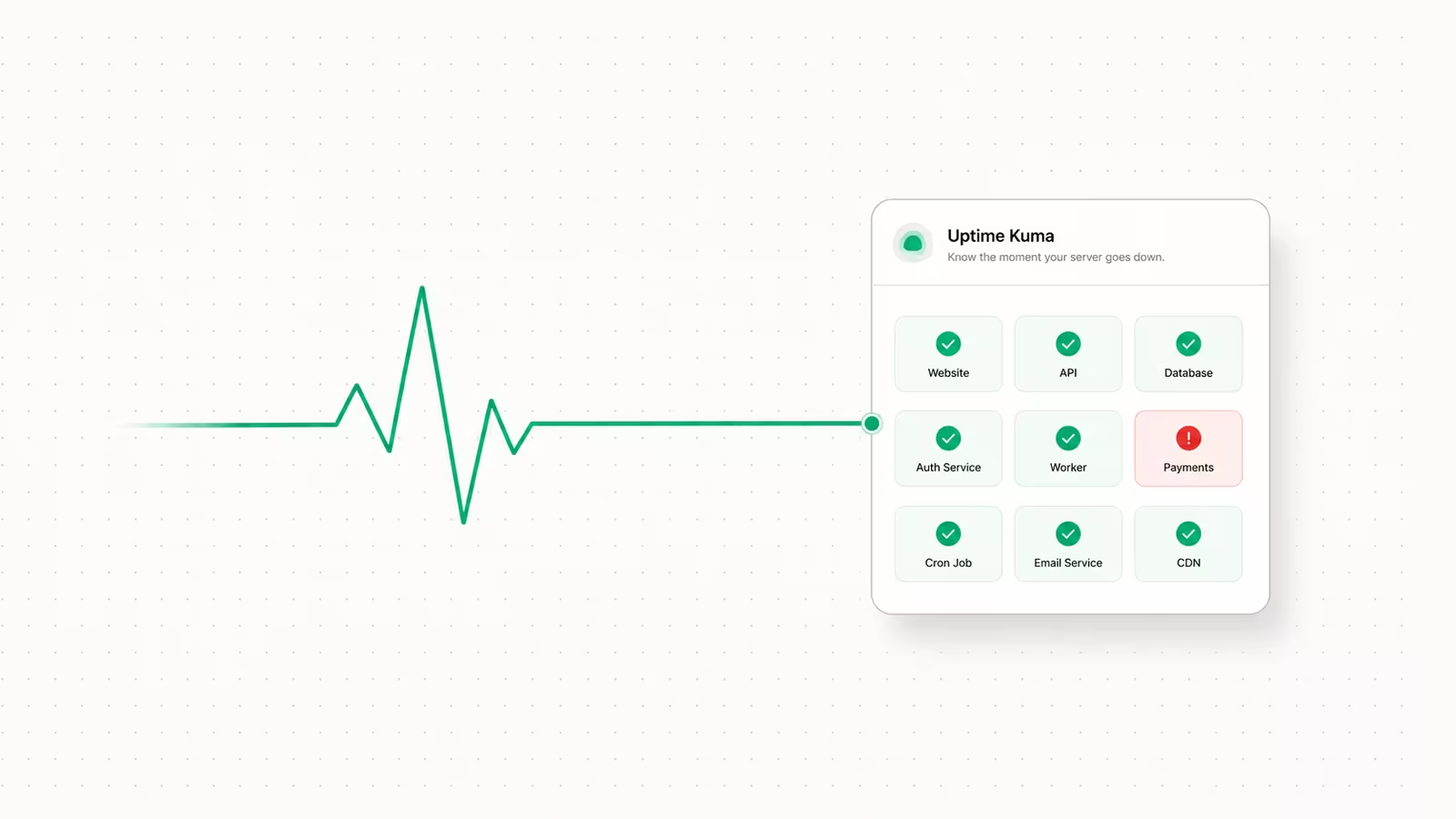
Watchtower still works for auto-updating Docker containers in 2026, but the original containrrr/watchtower project was archived on December 17, 2025 and no longer receives security patches. You can run it today, and this guide shows the safe way to do it, but for anything you actually care about you should use a maintained fork, switch to a notify-only tool like Diun, or move to a platform that handles updates for you. Below is the honest setup, the risks the tutorials skip, and the alternatives worth your time.
What Watchtower does (and why people use it)
Watchtower is a small container that watches your other running containers, checks their image registries on a schedule, and when a newer image tag appears, pulls it, stops the old container, and restarts it with the exact same flags, volumes, and network settings. It talks to the Docker daemon through the mounted socket, which is why every setup mounts /var/run/docker.sock. The appeal is zero-effort maintenance: a new image lands upstream, and your running app follows it automatically with no manual docker pull and docker compose up -d. For a home lab or a low-stakes side project where a few seconds of restart downtime doesn't matter, that convenience is real, and it is why the official docs built a following. The trouble starts when people point it at things that shouldn't update themselves.
Is Watchtower still maintained in 2026?
No. The containrrr/watchtower GitHub repository was archived by its owner on December 17, 2025 and is now read-only, with a banner reading "This project is no longer maintained." The last tagged release, v1.7.1, shipped in November 2023, so the image has had no updates, security fixes included, for over two years. "Archived" does not mean broken: the image still pulls from Docker Hub and still runs, and nothing stops working overnight. What it means is that nobody is merging fixes for new Docker API versions, dependency CVEs, or registry changes. For a tool that holds root-equivalent access to your Docker socket, running an unmaintained binary forever is a genuine risk, not a hypothetical one. If you deploy it now, treat it as a stopgap, not a permanent fixture.
How to set up Watchtower the safe way
The mistake most tutorials make is jumping straight to full auto-update across every container. Start in monitor-only mode instead, so Watchtower reports what would change without touching anything:
services:
  watchtower:
    image: containrrr/watchtower:1.7.1
    container_name: watchtower
    restart: unless-stopped
    volumes:
      - /var/run/docker.sock:/var/run/docker.sock
    environment:
      WATCHTOWER_MONITOR_ONLY: "true"
      WATCHTOWER_SCHEDULE: "0 0 4 * * *"   # 4am daily (6-field cron)
      WATCHTOWER_NOTIFICATIONS: shoutrrr
      WATCHTOWER_NOTIFICATION_URL: "your-webhook-url"
Once you trust what it reports, switch to real updates but scope them to containers you explicitly opt in with a label, and let it clean up superseded images:
    environment:
      WATCHTOWER_LABEL_ENABLE: "true"
      WATCHTOWER_CLEANUP: "true"
      WATCHTOWER_SCHEDULE: "0 0 4 * * *"
With WATCHTOWER_LABEL_ENABLE set, Watchtower ignores everything unless you tag a container with com.centurylinklabs.watchtower.enable=true, which is far safer than letting it update your database by surprise. The DigitalOcean tutorial walks through the same flags in more depth. Keep the schedule on a low-traffic hour, wire up a notification backend so you learn about every update, and never run it without the label filter on a host that also runs stateful services.
Should you auto-update containers at all?
This is the question the setup guides skip, and it matters more than any flag. Auto-updating is fine for stateless, easily replaced services: a dashboard, a static site, a stateless proxy front-end. It is risky for anything with state or a fragile upgrade path, meaning databases, apps with breaking schema migrations, or a stack whose services must move in lockstep. Watchtower pulls whatever the tag resolves to, so if you track :latest, a major version with breaking changes can land unannounced at 4am, and there is no automatic rollback. Two rules keep you out of trouble. First, never auto-update stateful services; pin them to a specific version tag or image digest and update them by hand after reading the release notes. Second, have restorable backups before you enable any of this, because an overnight auto-update is exactly the moment you will wish you did. If you are self-hosting on a VPS, our guide to backing up Docker volumes covers the restore-tested setup to put in place first.
Watchtower alternatives in 2026
Since the archive, most of the self-hosting community has moved on, and the maintained options split into two camps: notify-only tools that tell you an update exists and let you apply it deliberately, and auto-updaters with more control than Watchtower ever had.
| Tool | Type | Auto-updates | Web UI | Maintained | Best for |
|---|---|---|---|---|---|
Watchtower (containrrr) | Auto-updater | Yes | No | No — archived Dec 2025 | Legacy installs only |
| nicholas-fedor/watchtower | Auto-updater (fork) | Yes | No | Yes | Drop-in swap, same config |
| WUD (What's Up Docker) | Checker + updater | Optional | Yes | Yes | Dashboard + semver control |
| Diun | Notifier only | No | No | Yes | "Tell me, I'll decide" |
| Coolify / PaaS | Platform | Managed | Yes | Yes | Whole-stack deploy + updates |
The lowest-friction path, if you already run Watchtower, is the community nicholas-fedor/watchtower fork, which keeps the same image and configuration but is actively maintained. For more control, What's Up Docker (WUD) adds a real web dashboard, registry version tracking with semantic-version thresholds, and 20-plus notification backends; it can either just notify or auto-update through triggers. If you want the safest pattern, Diun is notify-only by design: it scans your images on a schedule and pings you through any of 17-plus backends (email, Discord, Telegram, ntfy) when a tag changes, leaving the actual update decision to you. And if update management itself is the chore you want gone, a platform like Coolify handles builds, deploys, and updates from a UI; see deploying apps with Coolify for that route.
Frequently asked questions
Can I still use Watchtower in 2026?
Yes. The containrrr/watchtower image still pulls and runs, so existing installs keep working. But the project has been archived and unpatched since December 2025, so for ongoing use you should switch to the maintained nicholas-fedor fork or a tool like WUD or Diun rather than relying on it indefinitely.
What is the replacement for Docker Watchtower?
The closest drop-in is the community nicholas-fedor/watchtower fork, which keeps the original configuration. For more capability, WUD (What's Up Docker) adds a web dashboard and optional auto-updates, while Diun is the popular choice if you only want notifications and prefer to apply updates yourself.
Is it safe to auto-update Docker containers?
For stateless services it is reasonable, provided you keep restorable backups. For databases and apps with breaking changes it is not: pin those to a fixed version and update manually. Auto-updating a :latest tag on stateful services is the most common way people break their own stack.
Does Watchtower cause downtime? Yes, briefly. It stops and recreates each container to apply a new image, so there is a short restart gap per service. Watchtower does not do rolling or zero-downtime deployments; if you need those, use a platform or orchestrator that supports rolling updates.
Sources
- containrrr/watchtower — GitHub: archived December 17, 2025, "no longer maintained" banner; last release v1.7.1 (Nov 2023).
- Watchtower documentation — containrrr.dev: official behavior, flags, and notification options.
- How to Automatically Update Docker Container Images with Watchtower — DigitalOcean: compose and flag reference for label-enable, cleanup, monitor-only.
- Watchtower Discontinued! Alternative Projects — Linux Handbook: maintained forks and alternatives, including nicholas-fedor/watchtower.
- What's Up Docker (WUD) — getwud.github.io: web dashboard, version tracking, triggers, notifications.
- Diun — crazymax.dev: notify-only image update notifier with 17+ notification backends.
Some links may earn us a commission at no extra cost to you.

Waqas Ahmed Waseer
Waqas Ahmed Waseer is a developer and automation builder with 8+ years shipping production systems used by 100k+ people. He builds custom multi-tenant SaaS, AI automation (n8n, LLM workflows, WhatsApp bots) and hosting infrastructure (WHM/cPanel, CloudLinux) — and is the maker of WaSphere, FlowMaticX, and the WaseerHost hosting brand. 100+ projects delivered for SMBs, agencies and funded startups.