Claude Code slash commands are typed shortcuts you enter in a session to control Claude without writing a prompt: type / and you get a searchable list of everything available, from clearing context to switching models to reviewing a diff. There are more than 50 built-in commands, plus custom ones you write yourself. The single most useful thing to know in 2026 is that you rarely need to memorize them: type / to filter live. The second most useful thing is that custom commands are now the same feature as skills, which changes how you build your own. This guide covers the built-in slash commands actually worth knowing, grouped by the job they do, and how to make your own.
What are Claude Code slash commands?
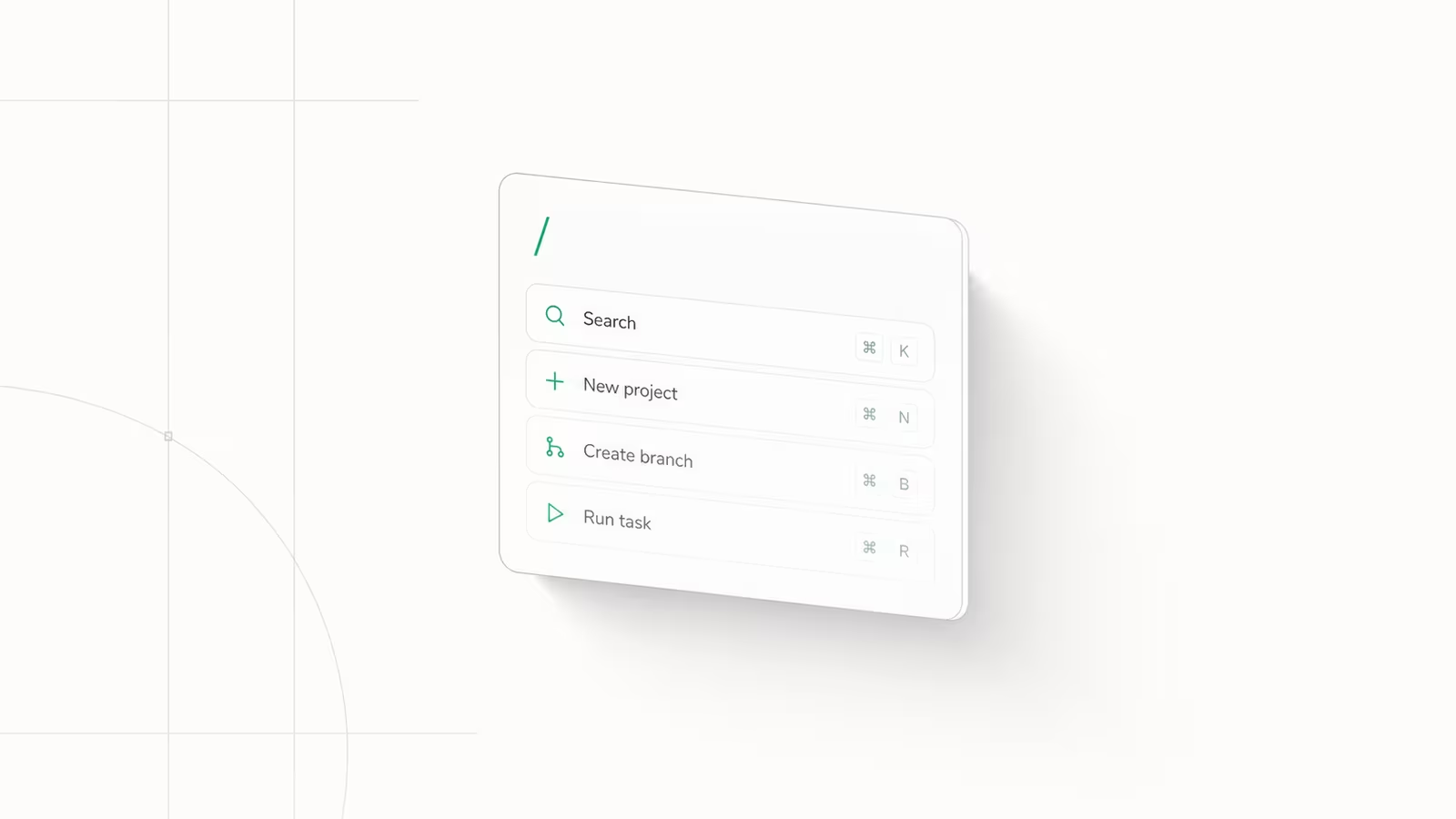
Slash commands control Claude Code from inside a session. Instead of typing a paragraph asking Claude to summarize the conversation or show your token spend, you type one word: /compact, /cost. They fall into two buckets. Built-in commands ship with Claude Code and handle session management, model control, and common developer chores. Custom commands are ones you define for your own repeating workflows. To see every command available to you right now, type / on its own, or / followed by a few letters to filter the list. That live picker is the real reference; nobody memorizes all 50-plus.
The commands below are the ones we reach for daily building TechRiseUps on Claude Code. The value is not in knowing all of them, it is in knowing the handful that change how a long session goes.
The built-in commands worth knowing in 2026
Here is the practical set, grouped by what you actually use them for. Every command is confirmed against the official Claude Code commands reference.
| Command | What it does |
|---|---|
/context | Visualize current context usage as a colored grid |
/compact | Summarize the conversation so far to free up context |
/clear | Start fresh with empty context (aliases: /reset, /new) |
/cost | Show token usage and spend for the session (alias: /usage) |
/model | Switch the active model and save it as your default |
/effort | Set reasoning depth: low, medium, high, xhigh, or max |
/diff | Open an interactive viewer for uncommitted changes |
/agents | Manage subagents in .claude/agents/ |
/mcp | Manage MCP server connections and OAuth |
/hooks | View hook configurations for tool events |
/memory | Edit CLAUDE.md memory files |
/init | Generate a starter CLAUDE.md for the project |
/resume | Return to an earlier conversation |
/doctor | Run a setup checkup that diagnoses and fixes issues |
Manage your context window
The three commands that matter most on a long session all deal with context. /context draws your current usage as a grid so you can see how close you are to the limit before Claude starts dropping detail. /compact summarizes the conversation so far and reclaims space, which is what you run when a session is still useful but getting heavy. /clear (also /reset) wipes context entirely for a clean start, which is the right move when you switch to an unrelated task rather than letting the old thread bleed into the new one. Reaching for /clear between tasks is the single cheapest habit for keeping Claude sharp, because a bloated context is the usual reason answers drift.
Control cost and model
/cost (aliased to /usage) prints token usage and spend for the current session, which is the fastest way to catch a run that is burning more than you expected. /model switches the active model mid-session and saves it as your default, so you can drop to a cheaper model for routine edits and jump to a stronger one for hard reasoning. /effort sets how much thinking Claude does, from low through max; lower effort is faster and cheaper for mechanical work, higher effort earns its keep on genuinely tricky problems. Together these three are your cost dashboard and throttle, and using them deliberately is the difference between a predictable bill and a surprise.
Review, extend, and maintain
/diff opens an interactive viewer of your uncommitted changes so you can read what Claude actually did before you commit. The bundled /code-review and /verify skills go further, reviewing the diff for bugs or running the app to confirm a change works. For extending Claude Code, /agents manages your subagents, /mcp manages MCP server connections, and /hooks shows the lifecycle hooks wired to tool events. For project setup, /init writes a starter CLAUDE.md and /memory edits it later. Housekeeping rounds it out: /resume reopens a past conversation, /doctor diagnoses a broken install, and /config opens settings.
Custom slash commands are now skills
This is the 2026 change that outdated tutorials miss. Custom commands have been merged into skills. A file at .claude/commands/deploy.md and a skill at .claude/skills/deploy/SKILL.md both create a /deploy command and behave the same way, according to the official skills documentation. Your existing .claude/commands/ Markdown files keep working, so nothing breaks. But if you are building something new, build it as a skill: you get a directory for supporting files, frontmatter to control whether you or Claude invokes it, and the option for Claude to load it automatically when relevant.
The practical upshot is simple. Type your repeating instruction into a Markdown file once, drop it in the right directory, and it becomes a /command you can run with identical instructions every time. If you want the full walkthrough, our guide on how to create a Claude Code skill covers the file format and frontmatter. One newer convenience: as of Claude Code v2.1.199 you can chain skills at the start of a message, like /skill-a /skill-b do the thing, and up to six load at once with the trailing text passed to each.
Which five should you learn first?
You do not need 50 commands. Start with these and add more only when a specific pain shows up:
/clearbetween unrelated tasks, so context does not bleed across jobs./contextwhen a session feels sluggish, to see how full the window is./compactwhen you want to keep going but need room./modelto match the model to the task and control cost./diffbefore every commit, to read what actually changed.
Everything else you can discover by typing / when you need it. That live picker, not a memorized cheat sheet, is how the commands are meant to be used.
Frequently asked questions
How do I create a custom slash command in Claude Code?
Write your instructions in a Markdown file and save it as a skill (.claude/skills/<name>/SKILL.md) or, in the older format that still works, a command file (.claude/commands/<name>.md). Either one becomes a /<name> command. Custom commands and skills are now the same underlying feature, so new ones are best built as skills.
Are custom slash commands deprecated?
No. Custom commands were merged into skills, not removed. Existing files in .claude/commands/ keep working exactly as before. Skills are simply the richer way to author new ones, adding supporting files, invocation control, and automatic loading.
How many slash commands does Claude Code have?
More than 50 built-in commands ship with Claude Code, covering context management, model control, git, MCP, and setup, plus however many custom commands and skills you add. Type / in a session to see the full, current list rather than relying on any static cheat sheet.
What is the difference between slash commands and skills?
A slash command is any /-prefixed action you type. Built-in ones are baked into Claude Code; custom ones are authored as skills. So "skill" is now the mechanism you use to create a custom slash command, while "slash command" is the thing you type to run it.
How do I see all available slash commands?
Type / on its own to open the command picker, or type / followed by letters to filter it. The picker reflects your actual installed version, including any custom commands and plugin commands, which a written list cannot.
Sources
- Claude Code Docs — Commands reference: the authoritative list of built-in slash commands and what each does.
- Claude Code Docs — Extend Claude with skills: confirms custom commands are merged into skills and documents the file format.
- Reddit r/ClaudeAI — 50+ slash commands most people miss: community breakdown of the built-in command surface.
- Daily Dose of Data Science — 10 must-use slash commands in Claude Code: a practical shortlist and the
.claude/commands/custom-command basics.
Some links may earn us a commission at no extra cost to you.

Waqas Ahmed Waseer
Waqas Ahmed Waseer is a developer and automation builder with 8+ years shipping production systems used by 100k+ people. He builds custom multi-tenant SaaS, AI automation (n8n, LLM workflows, WhatsApp bots) and hosting infrastructure (WHM/cPanel, CloudLinux) — and is the maker of WaSphere, FlowMaticX, and the WaseerHost hosting brand. 100+ projects delivered for SMBs, agencies and funded startups.