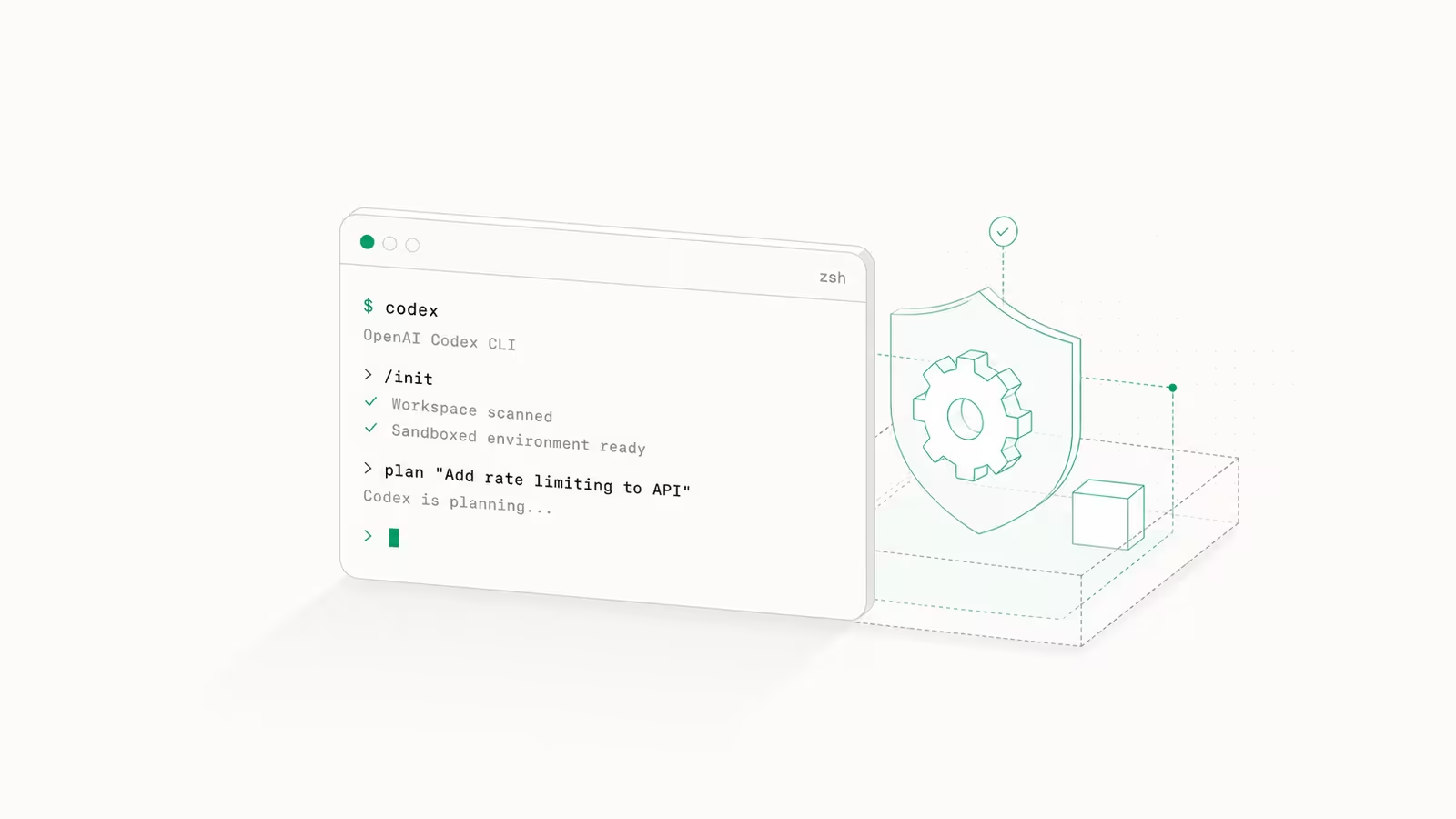
OpenAI's Codex CLI is a free, open-source coding agent that runs in your terminal, and this guide takes you from installing it to using it safely on real work in 2026. You sign in with a ChatGPT plan or an API key, point it at a repository, and it reads, edits, and runs your code inside a sandbox you control. Written in Rust and updated almost weekly (version 0.144.6 shipped on July 18, 2026), the Codex CLI is OpenAI's direct answer to Anthropic's Claude Code, and the steps below get you from zero to a working agent in about ten minutes.
What is the Codex CLI?
The Codex CLI is a terminal-based coding agent: you type a request in plain English, and it plans, edits files, runs commands, and iterates until the task is done, all without leaving the shell. It is open source on GitHub and written mostly in Rust, so it installs as a single fast binary rather than a heavy Node process. There is no separate subscription: it is included with paid ChatGPT plans (Plus, Pro, Business, Edu, Enterprise) or billed per token through an OpenAI API key. It suits developers who already live in the terminal and want an agent that respects git, sandboxing, and CI rather than a chat window. The trade-off versus a GUI tool is that you manage permissions yourself, which is exactly what the rest of this guide covers. Alongside the CLI, OpenAI also ships Codex Web, a desktop app, and IDE extensions for VS Code, Cursor, and Windsurf, but the CLI is the most scriptable of the four.
How to install the Codex CLI
Pick one install method. The npm package is the most common:
npm install -g @openai/codex
On macOS you can use Homebrew instead (brew install --cask codex), or run the official install script on Mac and Linux:
curl -fsSL https://chatgpt.com/codex/install.sh | sh
Then cd into a project and run codex. On first launch it asks you to authenticate: choose Sign in with ChatGPT to use your existing plan's quota, or set an OPENAI_API_KEY environment variable to pay per token through the API. The ChatGPT sign-in is the cheaper path for most people because it reuses a plan you already have rather than metering every token; the npm package page and official docs both walk through the choice. Once authenticated, Codex drops you into an interactive session with a default model of GPT-5.6, OpenAI's current coding-tuned family.
Approval and sandbox modes: the part that matters
The single most important thing to configure is how much freedom the agent has. Codex separates this into two independent settings: a sandbox that limits file and network access, and an approval policy that decides when it stops to ask you. Get these right and the agent is both useful and safe; get them wrong and it either nags on every step or edits your whole machine unprompted. You set them interactively with the /permissions command or persist them in config.
| Setting | Value | What it does |
|---|---|---|
sandbox_mode | read-only | Agent can read files but change nothing |
sandbox_mode | workspace-write | Read/write inside the project and /tmp (the sensible default) |
sandbox_mode | danger-full-access | No file or network limits — use only in a throwaway VM |
approval_policy | untrusted | Auto-runs safe reads, prompts for everything else |
approval_policy | on-request | Works inside the sandbox, prompts only on boundary violations |
approval_policy | never | Never prompts (pair with a strict sandbox for CI) |
For day-to-day coding, workspace-write plus on-request is the balance most developers want: Codex can edit and test your project freely but has to ask before touching anything outside it. OpenAI's April 2026 changelog replaced the old blanket --full-auto flag with these explicit permission profiles and added a lightweight "guardian" subagent that reviews pending actions instead of rubber-stamping them, a direct response to the risk of an agent running destructive commands unattended.
Configuring Codex with config.toml and AGENTS.md
Anything you set in the session can be made permanent in ~/.codex/config.toml (or $CODEX_HOME/config.toml), with per-project overrides in a .codex/config.toml at the repo root. A minimal config looks like this:
model = "gpt-5.6"
sandbox_mode = "workspace-write"
approval_policy = "on-request"
model_reasoning_effort = "medium"

[profiles.careful]
approval_policy = "untrusted"
Profiles let you switch whole permission sets by name (codex --profile careful) instead of remembering flags. The second half of configuration is behavioral: run /init in a repo to generate an AGENTS.md file, the plain-Markdown instructions Codex reads before every task (test commands, style rules, "never touch the migrations folder"). AGENTS.md is the same open standard Cursor and other agents now read, so one file serves several tools. If you have not written one, our guide to writing an AGENTS.md file covers what actually moves the needle. Codex also connects to external tools over the Model Context Protocol via codex mcp, and in 2026 it uses tool search by default so large MCP servers no longer flood the context window.
Codex CLI vs Claude Code: which should you pick?
These two dominate terminal-agent mindshare, and they are more alike than not. Both run in the shell, both read a Markdown instructions file, both sandbox their actions, and both connect to MCP servers. The real differences are the model and the ecosystem.
| Codex CLI | Claude Code | |
|---|---|---|
| Default model | GPT-5.6 (Sol/Terra/Luna) | Claude Opus / Sonnet |
| Language | Rust (single binary) | Node.js |
| Instructions file | AGENTS.md | CLAUDE.md (also reads AGENTS.md) |
| Included with | Paid ChatGPT plans | Claude paid plans |
| Non-interactive mode | codex exec | headless mode |
If your team already pays for ChatGPT and prefers GPT-5.6's coding output, Codex is the natural fit; if you are on Anthropic's stack, Claude Code is. Most heavy users keep both installed and route tasks by which model does a given job better, which is why our pricing breakdown of every Codex plan versus Copilot, Cursor, and Claude Code is worth reading before you commit a budget. For a broader field, see our comparison of Cursor, Copilot, Windsurf, and Claude Code.
Running Codex in scripts and CI with codex exec
The CLI is not just interactive. codex exec runs a single prompt without the terminal UI and prints the result, which makes it usable in shell scripts and CI pipelines:
codex exec "fix the failing unit tests and update the changelog"
Paired with approval_policy = "never" and a read-only or workspace-write sandbox, this is how teams wire Codex into automated checks, triage bots, or nightly refactors without a human at the keyboard. It is also how you keep the agent honest: a locked-down sandbox in CI means even a wrong answer cannot escape the workspace.
Is the Codex CLI worth using in 2026?
Not everyone is convinced. A widely upvoted thread on r/ChatGPTCoding argues the hype outruns the everyday experience, and that is a fair check on the marketing. The honest read: for tightly scoped tasks (fix this test, refactor this module, write this script) Codex is genuinely fast and the sandbox model is well designed. Where it gets ambitious is Goal mode, which left experimental status on May 21, 2026 and lets you hand it a long-horizon objective to work on for hours largely unsupervised. That capability is impressive and still the most likely to disappoint, because unsupervised agents drift. The pragmatic setup is to treat Codex as a fast pair-programmer with a strict sandbox, review its diffs like any pull request, and reserve full autonomy for throwaway environments. Used that way, it earns its place in the toolkit.
Frequently asked questions
Is the Codex CLI free?
The CLI software is free and open source, but running it costs either a paid ChatGPT plan (Plus, Pro, Business, Edu, or Enterprise) whose quota it draws from, or pay-as-you-go API tokens if you authenticate with an OPENAI_API_KEY. There is no separate Codex subscription.
What model does the Codex CLI use?
It defaults to OpenAI's GPT-5.6 coding family and you can switch models and reasoning effort mid-session with the /model command. The family spans GPT-5.6 Sol for maximum capability, Terra for a cost balance, and Luna for high-volume, cheaper runs.
How do I stop Codex from running dangerous commands?
Set a sandbox_mode of read-only or workspace-write and an approval_policy of untrusted or on-request, either through the /permissions command or in ~/.codex/config.toml. Only danger-full-access removes the guardrails, and it should be limited to disposable virtual machines.
Can the Codex CLI run without a terminal UI?
Yes. codex exec "your prompt" runs a single task non-interactively and prints the result, which is designed for CI pipelines and scripted automation. Combine it with a strict sandbox and approval_policy = "never" for unattended runs.
What is the difference between the Codex CLI and Codex Web? The CLI runs locally in your terminal against your own checkout and is fully scriptable; Codex Web runs tasks in OpenAI's cloud from a browser. They share the same underlying agent, so many teams prototype in the CLI and offload long jobs to the web version.
Sources
- OpenAI — Codex CLI documentation: install, authentication, slash commands, and default model.
- GitHub — openai/codex: open-source repo, Rust codebase, install methods, and release 0.144.6 (Jul 18, 2026).
- npm — @openai/codex: package install and authentication options.
- OpenAI — Introducing upgrades to Codex: Goal mode general availability (May 21, 2026) and 2026 feature upgrades.
- OpenAI — Codex changelog: permission profiles replacing --full-auto, the guardian subagent, and MCP tool search.
- r/ChatGPTCoding — the case against the Codex CLI hype: a skeptical community view for balance.
Some links may earn us a commission at no extra cost to you.

Waqas Ahmed Waseer
Waqas Ahmed Waseer is a developer and automation builder with 8+ years shipping production systems used by 100k+ people. He builds custom multi-tenant SaaS, AI automation (n8n, LLM workflows, WhatsApp bots) and hosting infrastructure (WHM/cPanel, CloudLinux) — and is the maker of WaSphere, FlowMaticX, and the WaseerHost hosting brand. 100+ projects delivered for SMBs, agencies and funded startups.